25 Video Production Tips That Make Audiences Watch, Remember, and Act
Key Takeaways
- You will learn a start-to-finish workflow that covers goals, scripts, shot lists, lighting, audio, editing, and distribution so nothing gets missed on shoot day.
- You will get actionable specs for mobile-first formats, captions, hooks, titles, and thumbnails that increase retention and search discoverability.
- You will see simple setup choices—soft light, manual focus, clean sound—that immediately make footage look and feel professional on any budget.
- You will know which editing features and tools matter most, when to keep cuts simple, and how to speed up post with proxies, templates, and color workflows.
- You will leave with clear KPIs, analytics tactics, and legal must-dos (releases, music licenses, 3-2-1 backups) to protect your project and improve results.
Great videos do more than look good—they hold attention, build trust, and move people to act. Whether you are creating school stories, nonprofit updates, or brand explainers, a reliable process beats guesswork. Use these proven tips to plan with clarity, film with confidence, and edit with purpose so your videos stand out everywhere your audience watches.
Your End-to-End Video Playbook
1) Define the goal and KPI before you hit record
Every creative choice gets easier when you know exactly what success looks like. Decide whether you are chasing awareness, sign-ups, donations, applications, or sales—and pick one primary action to optimize for. Set a concrete KPI so you can measure impact and improve.
- Why it matters: Clear goals inform your hook, script, length, and call to action.
- How to do it: Write one sentence: “This video will get [audience] to [action] by [date].”
- Pro tools: Brief template, creative matrix, campaign tracker with UTM links.
- Checklist: Primary CTA, target metric (CTR, watch time, leads), deadline, owner.
2) Know your audience deeply (personas, problems, and moments)
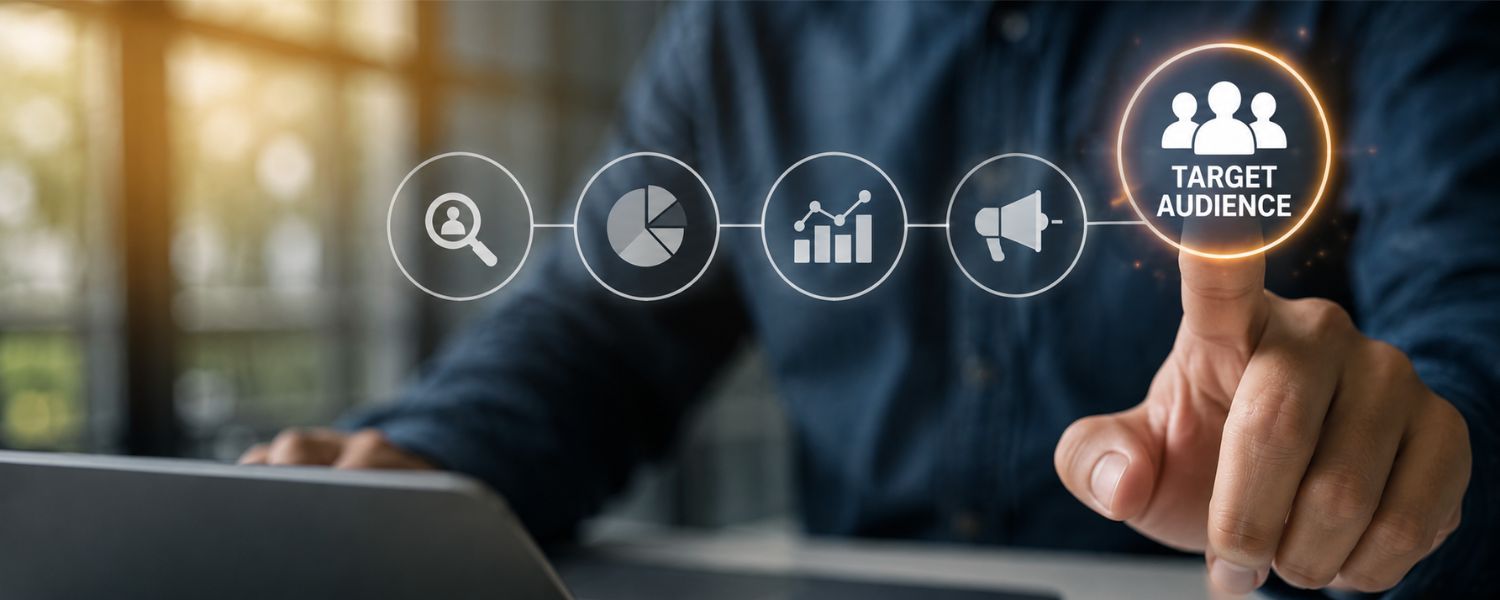
Videos resonate when they speak to a real person's needs and context. Build simple personas with age, role, goals, pain points, objections, and preferred platforms. Then write to that person, not a crowd.
- Why it matters: Relevance increases retention and conversions.
- How to do it: Interview 5–10 real viewers; map questions they ask before they click.
- Pro tools: Surveys, social listening, search intent research, comment mining.
- Checklist: Persona one-liner, top 3 pains, top 3 delights, must-say phrases.
3) Nail your story: premise, promise, proof
Strong stories are simple. Open with a problem, promise a clear outcome, then prove it with specifics: data, demos, testimonials, or a before-and-after. Draft a light script and a storyboard to align the team.
- Why it matters: Clarity beats complexity; viewers decide in seconds to keep watching.
- How to do it: Use a three-act outline; list must-have lines and shots.
- Pro tools: Script template, storyboard frames, teleprompter app, table read.
- Checklist: Hook line, 3 key messages, proof element, CTA line.
4) Embrace relevance, originality, and creativity
Blend what your audience cares about with what only your brand can say. Specific, human stories beat generic claims. Surprise viewers with a fresh angle, location, or visual device that makes your message stick.
- Why it matters: Originality drives memory and shares.
- How to do it: Brainstorm 10 hooks; pick the boldest accurate option you can deliver.
- Pro tools: Swipe file, “so what?” test, brand voice guide.
- Checklist: One distinctive visual, one unexpected fact, one emotional beat.
5) Plan your coverage: shot list, schedule, and b‑roll
On shoot day, plans prevent panic. Build a shot list with framing, movement, and duration, and schedule talent and locations realistically. Capture generous b‑roll to smooth edits and keep visuals fresh.
- Why it matters: Coverage protects your story and saves hours in post.
- How to do it: List A-roll (dialogue) first; pair 3–5 b‑roll options with each line.
- Pro tools: Call sheet, location diagram, continuity photos.
- Checklist: Shot list printed, releases packed, extra batteries/cards, weather plan.
6) Prepare your set and talent
Comfortable, prepared people deliver better performances. Share wardrobe guidance, record environment notes, and warm up with casual questions. Keep water, tissues, and a lint roller on hand.
- Why it matters: Small details reduce retakes and polish your brand.
- How to do it: 10-minute mic and framing check; rehearse difficult lines.
- Pro tools: Teleprompter or tablet, stool with back support, matte powder.
- Checklist: Wardrobe do's/don'ts, hair/makeup plan, noise control signs.
7) Optimize for accessibility and inclusion
Accessible videos reach more people and reflect your values. Provide accurate captions, readable on-screen text, descriptive alt text where applicable, and mindful color choices.
- Why it matters: Captions boost comprehension, retention, and watch time, especially on mobile and in quiet environments.
- How to do it: Create closed captions (SRT/VTT), add transcripts, ensure color contrast, and avoid flashing content.
- Pro tools: Descript, CapCut, Veed, YouTube's caption editor.
- Checklist: Captions at 48–60 cps max, safe margins, 24pt+ mobile text, inclusive visuals/voice.
8) Make your video discoverable (SEO and metadata)
Great videos need great packaging. Use search-friendly titles, descriptions, and tags; add chapters and a full transcript; and embed on your site with VideoObject schema so search engines can surface it.
- Why it matters: Optimized metadata increases clicks and dwell time.
- How to do it: Lead with the benefit in the title; put the CTA and key terms in the first 150 characters of the description.
- Pro tools: Keyword research, schema generator, UTM links, YouTube chapters.
- Checklist: Primary keyword in title, first line, filename; custom thumbnail; end screens/cards.
9) Hook viewers in the first three seconds
Attention is won fast or not at all. Start with motion, a bold claim, a question your viewer is already asking, or the outcome they want to see. Avoid slow logos—brand with a quick corner bug instead.
- Why it matters: Strong openings raise retention and signal quality to algorithms.
- How to do it: Show result first, then rewind; or pose a “don't scroll” challenge.
- Pro tools: Pattern interrupts, kinetic text, before/after split screen.
- Checklist: First frame has a face or action, no fade-ins, logo under 1 second.
10) Shoot mobile-first (framing, format, and legibility)
Most views now happen on phones. Design every frame for small screens so faces, text, and demos remain clear when held at arm's length.
- Why it matters: Mobile optimization increases completion rates and shares.
- How to do it: Produce in 9:16 for Shorts/Reels/TikTok (1080×1920), 1:1 (1080×1080) for feeds, and 16:9 (1920×1080) for YouTube; keep text inside safe margins.
- Pro tools: Safe-area overlays, large subtitles, bold high-contrast palettes.
- Checklist: Test on a phone before export, minimum 24pt captions, 3–5 second text beats.
11) Compose frames like a pro
Clean composition instantly levels up your look. Mind headroom, lead room, and the rule of thirds; avoid busy backgrounds; and keep horizons straight. Lock the 180-degree rule in interviews.
- Why it matters: Good framing reads as quality and makes edits seamless.
- How to do it: Use a longer focal length for flattering interviews and shallow backgrounds.
- Pro tools: Grid overlays, bubble level, backdrop or practical set dressing.
- Checklist: Eye line on top third, subject off-center, tidy background, no mergers.

12) Light softly and intentionally
Soft, directional light flatters faces and reduces harsh shadows. If you have daylight, use it; if not, build a simple three-point setup with diffusion or bounce for a natural look.
- Why it matters: Lighting shapes mood, depth, and skin tone accuracy.
- How to do it: Key at 45°, fill subtle, hair/rim to separate subject; diffuse with softboxes or a sheer curtain.
- Pro tools: LED panels with softboxes, bounce cards, ND gels, practical lamps.
- Checklist: Match color temperature, avoid mixed lighting, check for glasses glare.
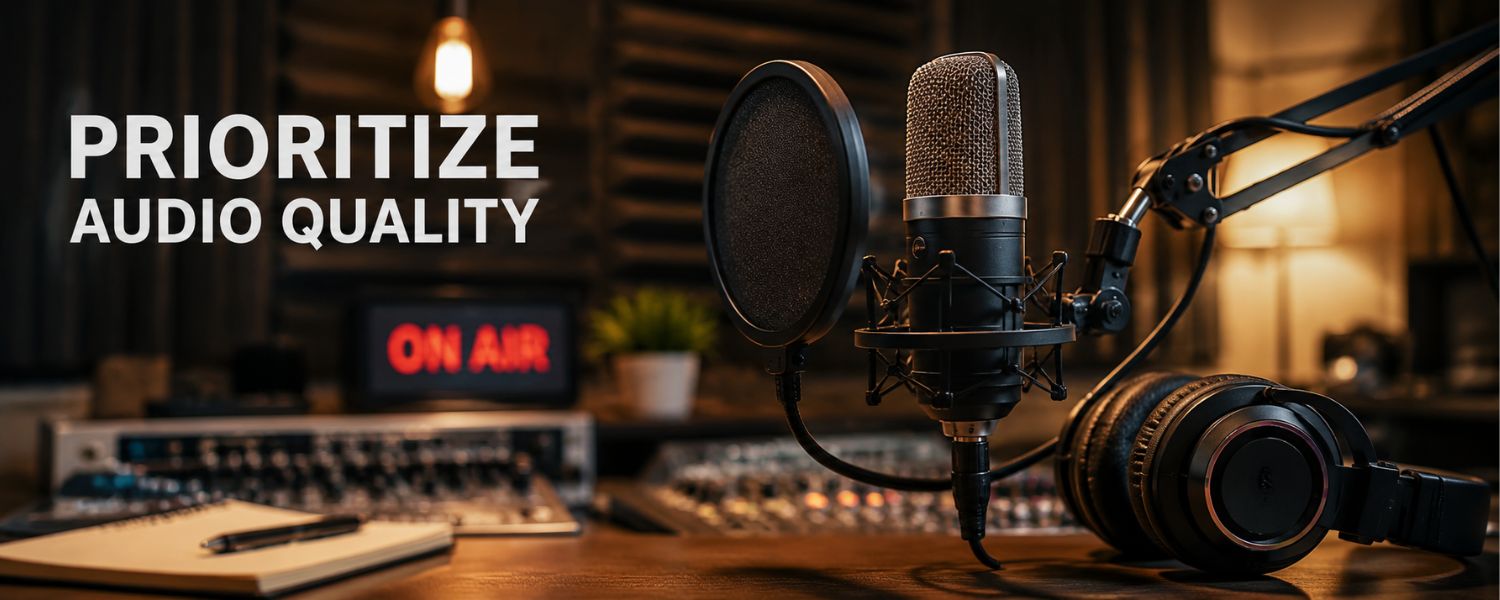
13) Capture clean, clear audio
Viewers forgive a shaky shot, not bad sound. Treat your location, choose the right mic, and monitor levels to deliver crisp dialogue every time.
- Why it matters: Audio clarity drives comprehension and perceived production value.
- How to do it: Use a lav or shotgun mic close to the mouth; record at 48 kHz; kill HVAC and hums; add a wind muff outdoors.
- Pro tools: Lavalier + recorder, shotgun on boom, dynamic USB/XLR mics, Riverside or similar for remote.
- Checklist: Headphone monitoring, -12 dB peaks, room tone capture, noise reduction in post.
14) Set exposure, white balance, and motion correctly
Consistent color and motion feel cinematic. Lock white balance, expose for faces, and follow the 180-degree shutter rule for natural motion blur.
- Why it matters: Prevents color shifts and choppy movement across cuts.
- How to do it: 24/30 fps for most talking heads, 60 fps for smooth slow motion; shutter ≈ 2× frame rate; use ND filters outdoors.
- Pro tools: Gray card, waveform/vectorscope, ND filter set.
- Checklist: Manual white balance, zebras on skin, ISO as low as possible, no auto exposure.
15) Use manual focus for control
Autofocus can hunt and ruin a great take. Manual focus locks your subject and keeps attention where your story needs it, especially in interviews and product close-ups.
- Why it matters: Stable focus looks professional and avoids distraction.
- How to do it: Punch in to set focus on the eye; use focus peaking; mark distances if talent moves.
- Pro tools: Follow focus, focus peaking, face-detect AF with back-button override if needed.
- Checklist: Focus check before each take, refocus after seat shifts, backup take.
16) Keep edits simple and purposeful
Clarity beats flashy effects. Trim mercilessly, remove filler words and long pauses, and use cuts that serve the story—J-cuts, L-cuts, and minimal transitions.
- Why it matters: Tight pacing keeps viewers engaged and improves average view duration.
- How to do it: Edit dialogue first, then add b‑roll, titles, music, and effects last.
- Pro tools: Ripple trim, gap detection, noise reduction, room tone layering.
- Checklist: One idea per shot, purposeful transitions, consistent sound floor, clean end card.
17) Build a branded graphics system
Consistent lower thirds, fonts, and color choices make your videos recognizable and accessible. Design once, reuse often with editable templates.
- Why it matters: Cohesive branding improves recall and speeds production.
- How to do it: Create a graphics package with logo bug, lower thirds, title card, and end card.
- Pro tools: Motion templates, Canva/Adobe templates, style guide.
- Checklist: Font legibility on mobile, caption safe area, color-contrast compliance.
18) Color correct, then grade
Fix exposure and white balance first; then apply a gentle grade or LUT for mood. Keep skin tones natural and consistent across scenes.
- Why it matters: Balanced color makes footage look expensive without expensive gear.
- How to do it: Work in Rec.709 unless delivering HDR; match shots with scopes, not just your eyes.
- Pro tools: Color wheels, curves, skin tone line on vectorscope, LUTs sparingly.
- Checklist: Neutralize first, unify second, stylize last; check on phone and desktop.
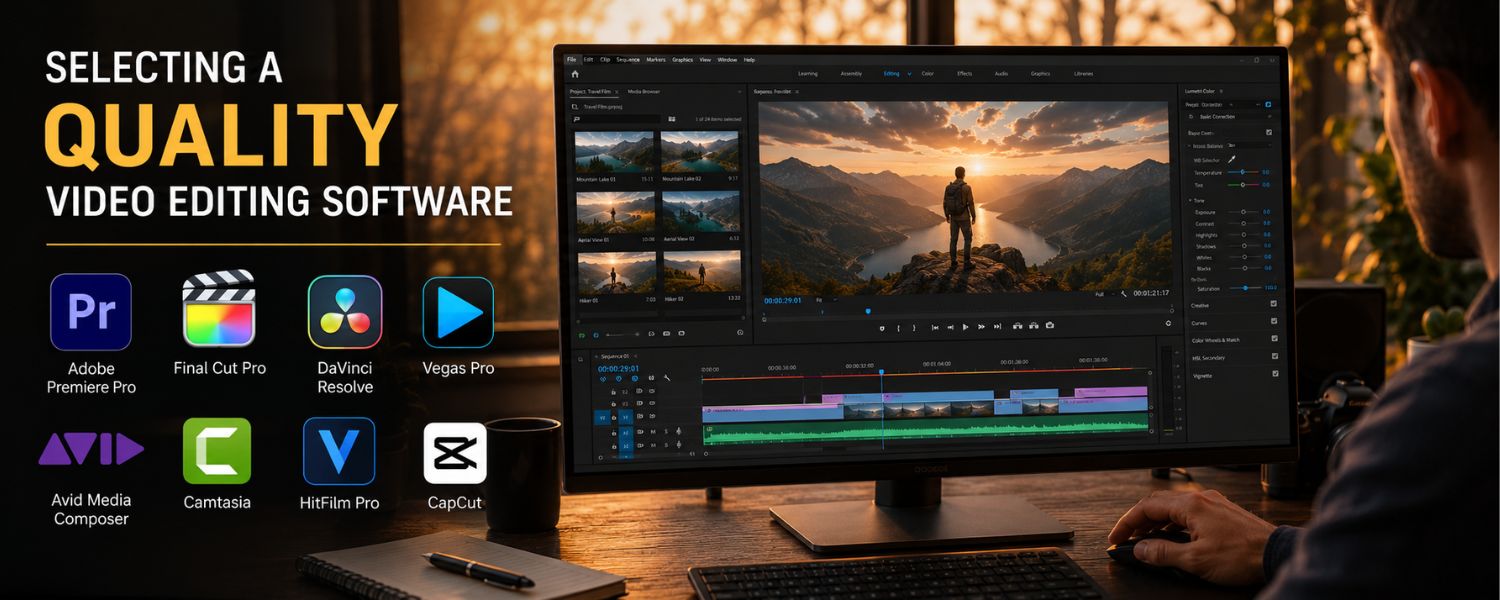
19) Choose editing software that fits your team
Pick tools you can learn and sustain. For simple edits, iMovie, CapCut, Wave.video, or Camtasia work well; for pro features, DaVinci Resolve, Final Cut Pro, or Adobe Premiere Pro are industry standards.
- Why it matters: The right feature set saves time and avoids roadblocks.
- How to do it: Prioritize text tools, trimming, transitions, aspect ratio changes, color correction, noise reduction, and stock libraries.
- Pro tools: Multicam, proxies, auto-captions, audio ducking, motion templates.
- Checklist: Team skill match, export presets, collaboration/sharing, plugin support.
20) Speed up post with proxies and templates
Editing high-res footage can bog down machines. Generate proxies and build reusable timelines, effects, and title templates so you can focus on creative choices.
- Why it matters: Faster workflows mean more iterations and better videos.
- How to do it: Create a project template with bins for A‑roll, b‑roll, music, SFX, graphics.
- Pro tools: Proxy generator, keyboard shortcut map, macro tools.
- Checklist: File naming convention, versioning, export presets for each platform.
21) Add captions, subtitles, and transcripts properly
Accurate captions help everyone, not just viewers who are Deaf or hard of hearing. They also make your content skimmable and more discoverable.
- Why it matters: Captions increase average view duration and accessibility compliance.
- How to do it: Export SRT/VTT sidecar files; avoid burned-in captions unless required; keep 1–2 lines with 32–42 characters each.
- Pro tools: Descript, Rev, YouTube auto then human edit.
- Checklist: Speaker labels, no sound-effect spam, spell names, proofread timing.
22) Craft thumbnails, titles, and CTAs that convert
Packaging is half the battle. Thumbnails should be legible on a phone, with expressive faces or bold visuals, and titles should promise a specific outcome.
- Why it matters: Click-through rate and retention together predict growth.
- How to do it: A/B test two thumbnail concepts; keep 3–5 words large; mirror the first scene.
- Pro tools: Thumbnail templates, testing tools, heatmap previews.
- Checklist: No clutter, strong contrast, one focal point, CTA in first screenful of description.
23) Publish, distribute, and repurpose smartly
Meet viewers where they are. Cut one master into Shorts/Reels/TikToks, 30–60 second teasers for feeds and email, and a square version for carousels or ads.
- Why it matters: Multiple touchpoints compound reach without reshooting.
- How to do it: Plan cutdowns in the script; add end screens and chapters on YouTube; embed on your site with context.
- Pro tools: Content calendar, UTM builder, social scheduler.
- Checklist: Platform-specific captions, links in bio/description, pinned comment, story highlights.
24) Measure performance and iterate
Analytics reveal where to improve. Study retention curves, average view duration, CTR, and conversion rate; note exactly where viewers drop and adjust hooks, pacing, or structure.
- Why it matters: Small changes can lift completion and actions dramatically.
- How to do it: Annotate dips at timestamps; test a stronger opening or tighter midsection; refresh thumbnail/title if CTR lags.
- Pro tools: YouTube Analytics, Google Analytics with UTMs, heatmaps on landing pages.
- Checklist: Weekly KPI review, hypothesis list, A/B test cadence, changelog.
25) Protect your production: legal, budget, and backups
A little paperwork and redundancy prevent big headaches. Secure permissions, track costs, and safeguard files so you can deliver on time with confidence.
- Why it matters: Releases and licenses reduce risk; backups save projects.
- How to do it: Get model/location releases (especially for minors), license music, and follow the 3‑2‑1 backup rule (three copies, two media, one offsite/cloud).
- Pro tools: Budget sheet, rights log, cloud backup, checksum copy app.
- Checklist: Music license on file, consent forms signed, insurance verified, backup verified.