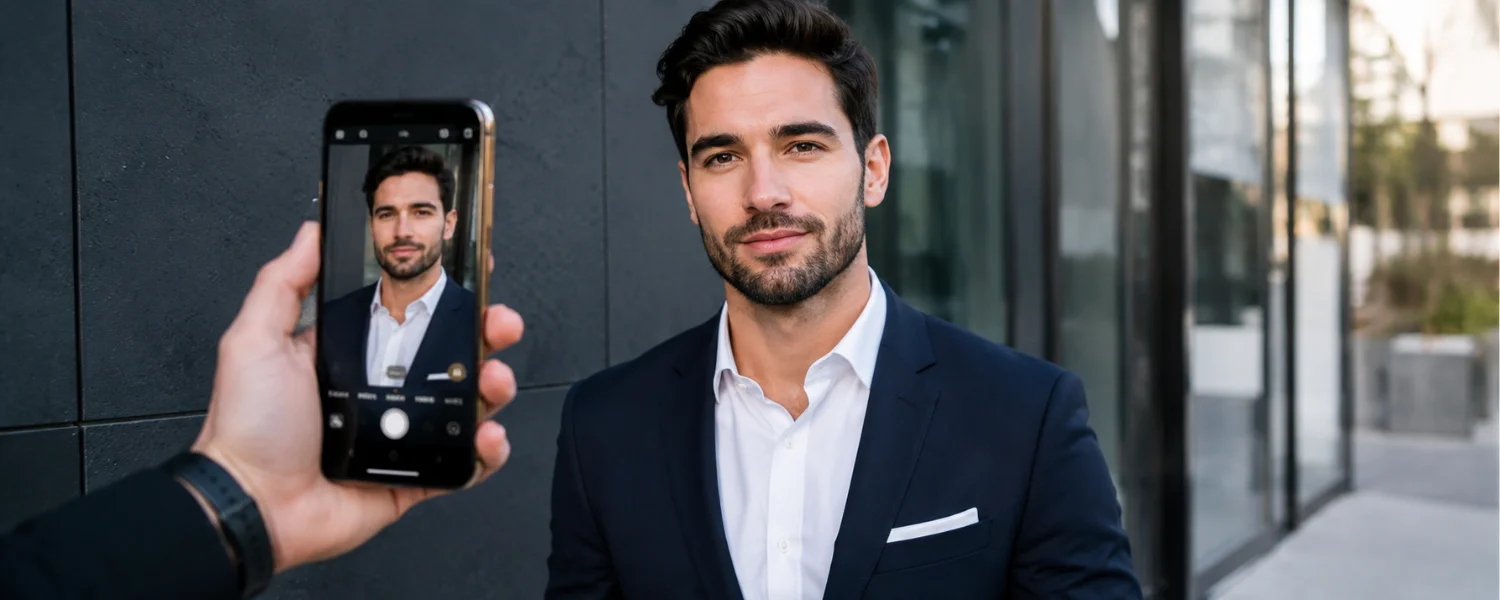
25 Expert Tips to Take Professional Headshot Photos with Your Phone (iPhone & Android)
Key Takeaways
- You’ll learn a simple window-light setup and reflector trick that delivers flattering, studio-style lighting with any smartphone.
- You’ll get exact phone settings (lens choice, AE/AF lock, exposure, timer, and crop) to avoid distortion and ensure razor-sharp eyes.
- You’ll use proven posing cues like “chin forward and down” and the “squinch” to look confident, approachable, and camera-ready.
- You’ll follow platform-specific cropping and background guidance so your headshot fits LinkedIn, Zoom, Teams, and resumes without awkward cuts.
- You’ll follow a fast editing workflow on mobile—or hand off files to a remote retoucher—to achieve a polished, natural, professional finish.
Remote work and digital-first hiring make your headshot more than a profile image—it's your first impression. The right lighting, angle, and expression can elevate a simple smartphone photo into a compelling, professional portrait. With a few affordable tools and the step-by-step guidance below, you can create a headshot at home that outclasses standard selfies and looks great across LinkedIn, Zoom, email signatures, and company directories.
The 6 Essential Steps to Capture Professional Headshots at Home
1) DIY Professional Headshot Shoot Prep
Polish the details before you step in front of the camera—they make all the difference.
- What to wear: Choose a collared shirt or business-casual outfit that fits your industry. Aim for solid or subtle patterns that contrast your background. For a classic look, mid-tone blues, charcoal, and jewel tones photograph well.
- Hair: Tame flyaways and choose a style you'd wear to an important meeting. Bring a comb and a touch of product for quick fixes.
- Makeup: Keep it clean and natural. Even a light application of concealer, translucent powder, and lip balm can help the camera read your features clearly.
- Jewelry: Minimal and understated so the focus stays on your eyes and expression.
- Glasses: Use anti-glare coatings when possible. To reduce reflections, slightly tilt frames downward, lower your chin a touch, or angle the light so it doesn't bounce into the lens.
- Skin prep: Reduce shine on oily areas with blotting papers or translucent powder.
- Facial hair: If shaving, do it the evening prior to minimize irritation or bumps; trim beards cleanly on shoot day.
2) Optimize Home Lighting for Pro Results
Great light is the fastest way to upgrade any headshot.
- Ideal light: Diffused daylight from a large window is your best friend. Face the window so your eyes are evenly lit and catchlights appear.
- Avoid direct sun: It causes squinting, shiny skin, and harsh shadows. If sunlight is strong, diffuse it with sheer curtains, a white sheet, or parchment paper taped to the glass.
- Reflect and fill: Bounce light back into the shadow side of your face with a large white wall, a foam board, or even a white poster board held just out of frame.
- Kill overhead casts: Turn off overhead and mixed indoor lights that add unflattering yellow or green color casts.
- Test timing: Try different windows and times of day. North-facing windows are consistent; mornings and late afternoons are soft and flattering.
3) Phone Height and Angle
- Height: Place the camera at eye level or slightly above the top of your forehead to elongate features and avoid under-chin emphasis.
- Angle: Keep the phone parallel to your face or tilt it a few degrees downward. Avoid steep upward angles that distort facial proportions.
4) Expressions That Work on Camera
- Try options: Capture a genuine smile, a closed-lip smile, and a calm, neutral expression. Review all three—different roles and platforms benefit from different moods.
- Smile science: Smiling typically increases perceived likability, competence, and influence. Relax the jaw, engage the eyes, and think of a positive moment to avoid a forced grin.
5) Posing for Flattering, Confident Images
- Posture: Straighten your back, roll shoulders down and slightly back, and elongate the neck.
- Angle the body: Turn your torso 10–30 degrees away from the camera, then bring your face back to the lens. This slims the body and adds dimension.
- Chin and eyes: Gently push your forehead toward the camera and lower your chin slightly—this sharpens the jawline. Soften your lower eyelids (“squinch”) for confident, engaging eyes.
- Weight placement: Keep weight balanced or slightly forward on the balls of your feet; avoid leaning back.
- Hands: Keep them out of frame or lightly rest one hand at your side for relaxed posture; avoid awkward mid-gesture positions.
- Find your side: If one side of your face photographs better, position that side toward the camera.
6) A Comprehensive Pre-Shot Checklist
- Focus and lens: Clean your camera lenses. Tap to focus on your eye and ensure the pupil is tack sharp.
- Framing: Leave breathing room around the head and shoulders; don't crop into the crown of the head in-camera.
- Light: Check for even light across the face and avoid hard, unflattering shadows.
- Grooming: Smooth collars, align necklaces, de-lint jackets, and arrange hair neatly around the face.
- Angle and posture: Confirm camera height and your body angle before the first click.
Advanced Phone Settings That Make a Big Difference
Choose the right lens and distance
- Use the main camera, not the ultra-wide. On iPhone, start at 1x or 2x; on Android, use the primary or tele lens (2x–3x) to reduce distortion.
- Stand 3–6 feet from the camera. More distance plus a longer focal length creates flattering compression.
Portrait mode vs. standard photo
- Portrait mode can add background blur, but watch for hair or glasses edges. Take a set in Portrait and another in standard photo for a safe backup.
- If your phone supports it, choose “Natural” or “Studio” lighting effects sparingly for cleaner results.
Exposure, focus, and sharpness
- Enable grid lines and align your eyes near the top third.
- Tap and hold to lock focus/exposure (AE/AF Lock), then slide up/down to fine-tune brightness so skin isn't blown out.
- Turn off Live Photos (iPhone) to keep files clean, and shoot at the highest resolution available.
- Use a 3–10 second timer or a Bluetooth remote to eliminate camera shake.
RAW or high-efficiency options
- iPhone ProRAW or Android RAW gives more editing flexibility, but larger files. If unsure, stick to regular JPEG/HEIC and expose for the face.
- Keep HDR on if you're battling bright windows, but check that skin tones still look natural.
Backgrounds and Space: Set the Scene
- Simple and clean: Plain walls in light gray, soft white, or mid-tone colors keep focus on your expression.
- Distance matters: Stand 2–4 feet from the background so it softens slightly, even without Portrait mode.
- Brand alignment: Choose colors that complement your wardrobe and your industry (tech: cool neutrals; creative: tastefully bold; finance/law: classic, subdued tones).
- Declutter: If showing a real environment, clear distractions and keep lines minimal.
Glasses, Skin Tones, and Inclusive Lighting
- Glasses glare: Tilt the frames down a few degrees, raise the camera slightly, or move your light source off-axis. If needed, lift the earpieces a millimeter above the ears to angle lenses away from the camera.
- Darker skin tones: Lock exposure on the face and add a white reflector to brighten shadows while protecting highlights.
- Pale or shiny skin: Dial exposure down a touch and use blotting papers to reduce hotspots.
Capture Workflow: Shoot Like a Pro
- Set your phone on a tripod at eye level (or slightly higher) and frame shoulders-to-top-of-head with some headroom.
- Lock focus/exposure on your eye. Use the timer or a remote.
- Shoot in short bursts of 5–8 frames per expression; adjust pose and micro-expressions between sets.
- Review at 100% zoom for sharp eyes and clean details; correct posture or lighting and reshoot quickly.
- Capture multiple outfits and background options in one session so you can tailor the final to different platforms.
Common Headshot Mistakes and Fast Fixes
- Harsh shadows from direct sun: Move back from the window or add diffusion (sheer curtain/white sheet).
- Distorted features from wide lens: Back up and switch to 2x/3x or the tele lens.
- Soft focus on the eyes: Clean the lens, lock focus on the eye, and use a tripod and timer.
- Over-yellow skin from room lights: Turn off mixed lighting and rely on daylight plus a reflector.
- Awkward posture: Reset—roll shoulders back, elongate the neck, chin slightly down, slight angle to the camera.
Cropping and File Prep for Every Platform
- LinkedIn: Upload a square crop (ideally 1200×1200px or larger). Keep both shoulders visible if possible and leave space above the head so auto-crops don't cut into hair.
- Zoom/Teams: A vertical 4:5 or 3:4 crop often looks balanced; ensure your face fills 50–70% of the frame.
- Website bios: Ask your team whether they prefer vertical, horizontal, or square; deliver all three if you can.
- Safe area: Keep eyes in the top third and avoid cropping at the neck's widest point—crop mid-chest or just below the collarbone for classic framing.
Quick, Natural Editing on Your Phone
Fast mobile workflow (5 minutes)
- Choose your best image with the eyes tack sharp and a relaxed, confident expression.
- Lightroom Mobile or native editor: Adjust exposure, contrast, and white balance until skin looks true-to-life.
- Fine-tune: Lift shadows slightly, add a touch of clarity only to the eyes, and reduce highlights if the forehead is bright.
- Retouch lightly: Use Snapseed or a subtle skin-smoothing tool to minimize temporary blemishes—avoid over-smoothing or altering facial features.
- Background cleanup: Remove small distractions with healing tools, or swap for a neutral backdrop using a trusted background replacement tool if needed.
- When to call in a pro editor If you want a consistent team look, a precise background replacement (e.g., branded gradient or office scene), or expert-level retouching that remains natural, professional editing is worth it. Headshots Inc's Virtual Headshot Packages offer an affordable way to transform your DIY shot with meticulous retouching, background replacement, and optimized contrast and lighting—delivered fast and backed by a 100% Satisfaction Guarantee.
- Optional, Affordable Gear That Helps
- Tripod with phone mount: Keeps framing consistent and eliminates camera shake.
- Bluetooth remote or smartwatch shutter: Lets you pose naturally without rushing the timer.
- Large white foam board: A $5 reflector that mimics studio fill light.
- Sheer curtain or white sheet: Window diffuser for soft, flattering light.
- Lint roller, blotting papers, and a small comb: Tiny tools that save reshoots.
Editable, Done-For-You Headshot Checklist
- Wardrobe pressed, lint-free, and contrasting with the background.
- Hair styled; light makeup; minimal jewelry; glasses checked for glare.
- Window light set; overheads off; reflector in place; background decluttered.
- Phone on tripod at eye level; main or tele lens selected (1x/2x/3x).
- Grid on; AE/AF Lock on the eye; exposure set; timer or remote ready.
- Pose angled 10–30 degrees; shoulders relaxed; chin forward and slightly down; eyes engaged.
- Shoot multiple expressions; review sharpness; adjust and reshoot as needed.
- Crop for final platforms; apply light, natural edits; export high-resolution files.
Why This Works: The Professional Principles Behind DIY Success
- Soft, directional light defines shape without harshness.
- Longer focal lengths and eye-level angles flatter natural proportions.
- Clean backgrounds and simple wardrobe keep attention on your expression.
- Confident posture and micro-expressions project approachability and authority.
- Subtle, natural retouching creates a polished, authentic result.