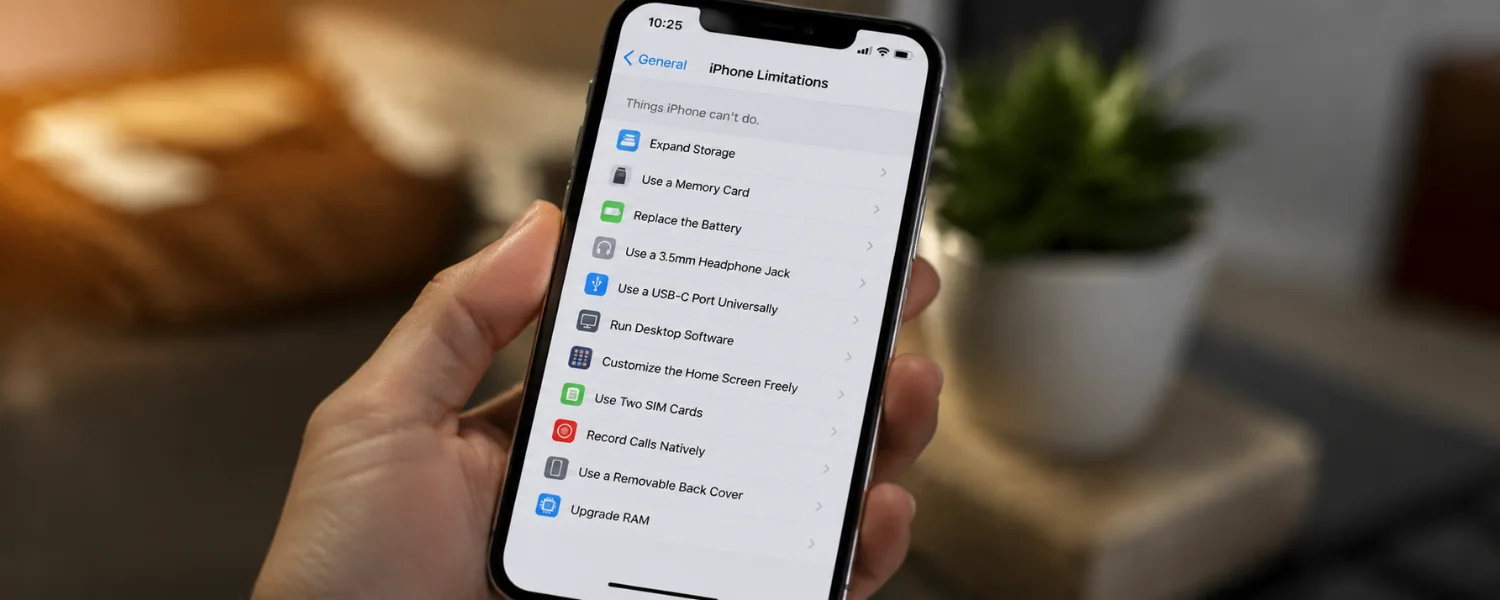
11 Things the iPhone Still Can’t Do in 2026 (and How to Work Around Them)
Key Takeaways
- You will see exactly which iPhone limitations still exist in 2026, what has changed since older models, and why Apple makes these trade-offs.
- Each limitation includes a clear, practical workaround or accessory so you can keep using the iPhone you love without unnecessary frustration.
- Where features differ by region (like app marketplaces in the EU), you will know what’s allowed and what isn’t before you make a decision.
- Customization in iOS has improved with widgets and themes, but remains more controlled than Android in areas like defaults, files, and multitasking.
- Families weighing iPhone vs. Android will get side-by-side context on what matters for kids, students, and parents managing multiple devices.
The iPhone, undoubtedly one of the most iconic smartphones in history, has redefined the way we interact with technology. Yet even a category-leading device comes with guardrails. Some feel restrictive at first glance; many are intentional choices tied to privacy, battery longevity, or security. Understanding these limits—and the best ways around them—helps you decide whether to stay the course, switch settings, add the right accessory, or consider an alternative for a must-have feature.
The iPhone's current limits, explained and solved
1) You can't remove the back or swap the battery yourself
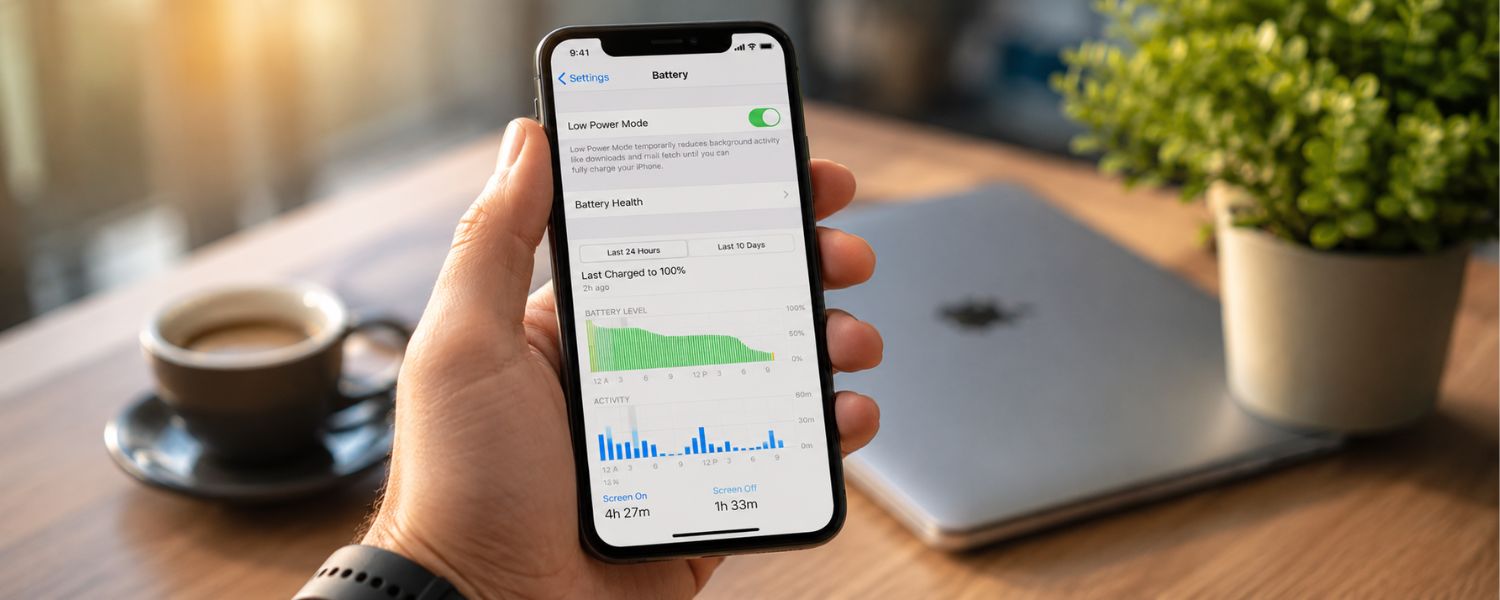
Apple's unibody design looks sleek and increases durability, but it also means you cannot pop off the rear panel to replace the battery or other parts at home. This was true a decade ago and it remains true today, with repairs routed through Apple, authorized providers, or carefully managed self-service kits. The payoff is structural integrity; the trade-off is DIY flexibility.
- Status (2026): No user-removable back panel or battery.
- Where Android differs: A few niche models offer easier battery swaps, but most modern Android phones are also sealed.
- Best workaround: Use Apple's official Self Service Repair (tools, manuals, and parts) or an authorized repair shop to maintain water resistance and safety.
- Why Apple does it: Tighter tolerances improve rigidity, water resistance, and drop protection.
Tip: If battery life is slipping below 80% health, plan a professional replacement rather than nursing it with constant fast charging.
2) You can't run two apps side by side on iPhone
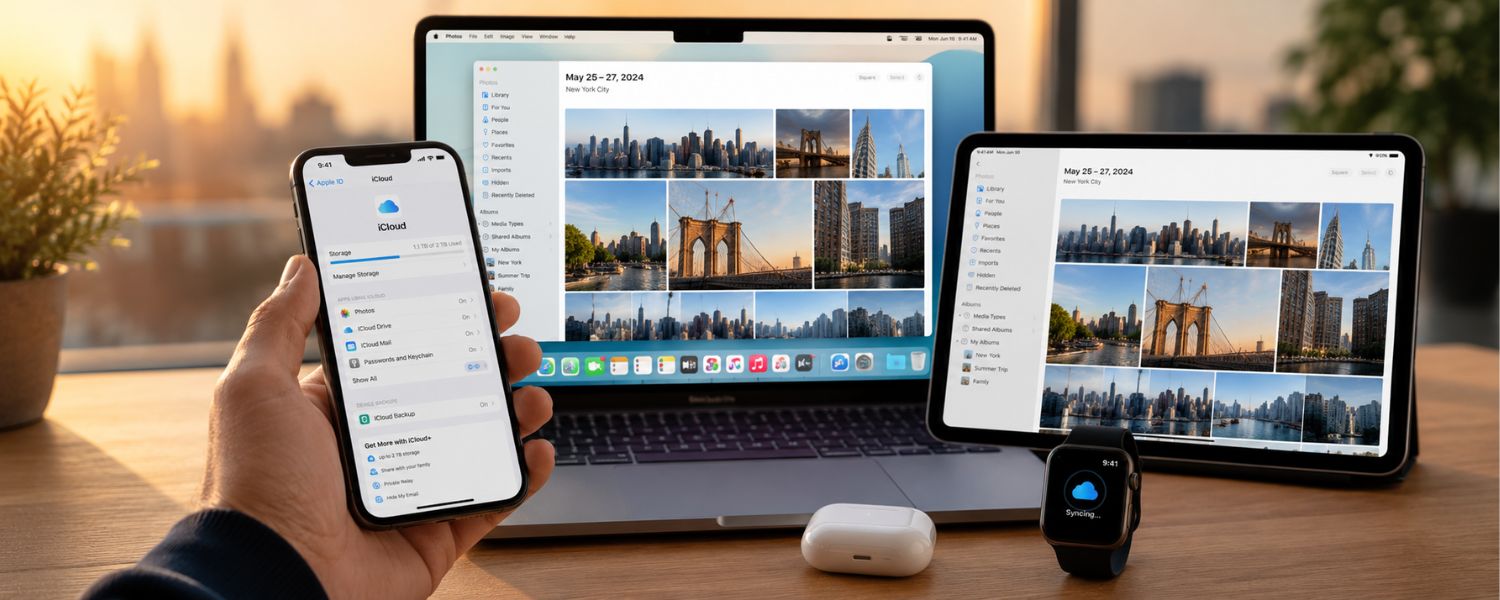
On iPhone, there is no true split-screen multitasking. You can jump between apps quickly, use Picture‑in‑Picture for video, and interact with Live Activities, but you can't snap two full apps next to each other like you can on an iPad or many Android phones. For students and busy parents, that can mean more app switching during research or planning.
- Status (2026): No split-screen or floating app windows on iPhone; iPadOS supports them.
- Where Android differs: Most mid-to-premium Android phones offer split screen.
- Best workaround: Use Picture‑in‑Picture for video calls or lectures, and take notes in a second app; consider an iPad for true multitasking.
- Why Apple does it: Preserves performance and simplicity on smaller screens.
Tip: Enable Picture‑in‑Picture in Settings so FaceTime or video can float while you check calendars or messages.
3) You can't add storage with a microSD card
iPhones still do not support microSD cards. Storage decisions must be made at purchase, which can be frustrating as photo libraries and app data grow. Apple's iCloud integration helps, but offline needs (like long flights or limited data plans) call for planning.
- Status (2026): No expandable storage via microSD.
- Where Android differs: A handful of Android devices still include microSD; many premium models have dropped it too.
- Best workaround: Use iCloud, Google Photos, or an MFi/USB‑C external drive. Offload large files to Files app or a NAS when on Wi‑Fi.
- Why Apple does it: Security, performance consistency, and fewer points of hardware failure.
Tip: If your child shoots lots of 4K video, consider 256 GB or higher at purchase, or budget for a small external SSD.
4) You can't use iPhone as a universal remote without extra hardware
Unlike some Android phones that once included IR blasters, iPhone cannot natively transmit infrared signals to control TVs, AC units, or older set‑tops. You can still control smart TVs and speakers over Wi‑Fi or Bluetooth, but “dumb” devices need an IR bridge.
- Status (2026): No built-in IR blaster.
- Where Android differs: A few models still ship with IR; most do not.
- Best workaround: Pair your TV with Apple TV or a smart IR hub (e.g., BroadLink) and use the manufacturer's app or Apple Home.
- Why Apple does it: Component simplification and focus on wireless ecosystems.
Tip: For grandparents, set up a single Apple TV Remote control interface to reduce remote clutter.
5) You can't freely sideload apps outside Apple's rules (region matters)
Apple tightly controls how apps reach iPhone. In the EU, new regulations permit alternative app marketplaces with safeguards, but in most regions you still can't install apps outside the App Store without developer workarounds. This enhances security yet limits experimentation.
- Status (2026): App sideloading varies; permitted in limited form in the EU, restricted elsewhere.
- Where Android differs: Android allows sideloading from known sources with warnings.
- Best workaround: Stick to trusted developers and official stores; in the EU, review permissions and marketplace policies carefully.
- Why Apple does it: Security, privacy, and platform integrity.
Tip: Families should keep app installs to vetted stores to avoid malware, even on platforms that allow sideloading.
6) You can't set every default app system‑wide
iOS now lets you choose default browsers and email apps, but not every category is open. Maps, voice assistants, and media defaults still lean Apple, which can add friction if your household standardizes on alternatives.
- Status (2026): Partial defaults supported (browser, mail, some others); maps and assistants remain limited.
- Where Android differs: Broader default app control across categories.
- Best workaround: Set available defaults in Settings, install share extensions, and pin non-Apple apps to the Home Screen and Dock.
- Why Apple does it: Cohesive experience and tighter privacy controls.
Tip: Teach kids to use the Share Sheet to route content to the family's preferred apps.
7) You can't get a desktop-style mode on an external display
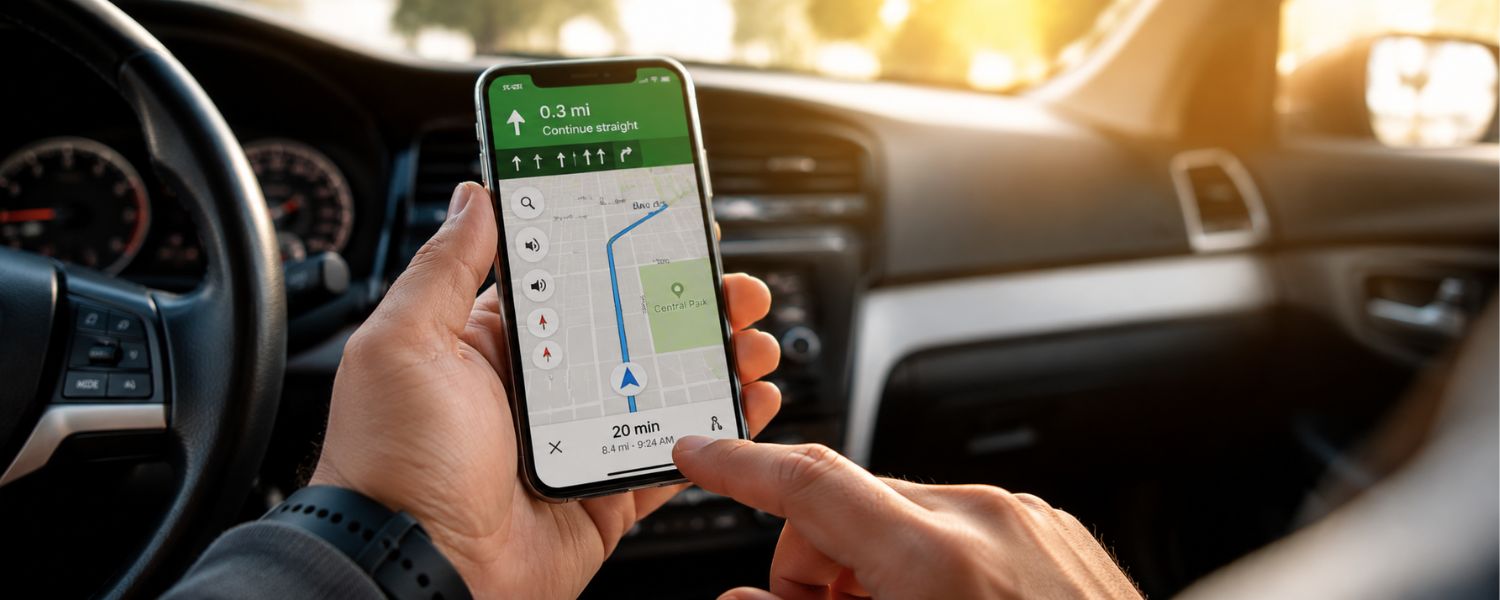
With USB‑C, newer iPhones can mirror or output video to external displays, but they don't switch into a desktop environment like Samsung DeX. You'll see either mirrored content or app‑specific external views, not resizable windows and taskbars.
- Status (2026): External display output works; no desktop mode on iPhone.
- Where Android differs: Some Android phones provide full desktop UIs when docked.
- Best workaround: Use iPad with Stage Manager or a Mac for desktop-style multitasking.
- Why Apple does it: Clear product segmentation and performance considerations.
Tip: For presentations, a simple USB‑C to HDMI cable is usually all you need; test in advance to confirm aspect ratio and audio.
8) You can't rely on one cable to unlock every pro feature
Older iPhones used Lightning; current models use USB‑C. While that removes a proprietary connector, not all USB‑C cables and dongles are equal. Data speeds differ by model (Pro vs. non‑Pro), and some accessories require specific specs or MFi certification.
- Status (2026): USB‑C across current iPhones; capabilities vary by model and cable.
- Where Android differs: Similar variability, but fewer certified‑accessory checks.
- Best workaround: Use a USB 3‑rated cable for fast transfers on Pro models and a reputable USB‑C hub for displays and storage.
- Why Apple does it: Quality control, safety, and predictable performance.
Tip: Label your family's cables for charging vs. high‑speed data so content creators grab the right one.
9) You can't customize the interface as deeply as Android
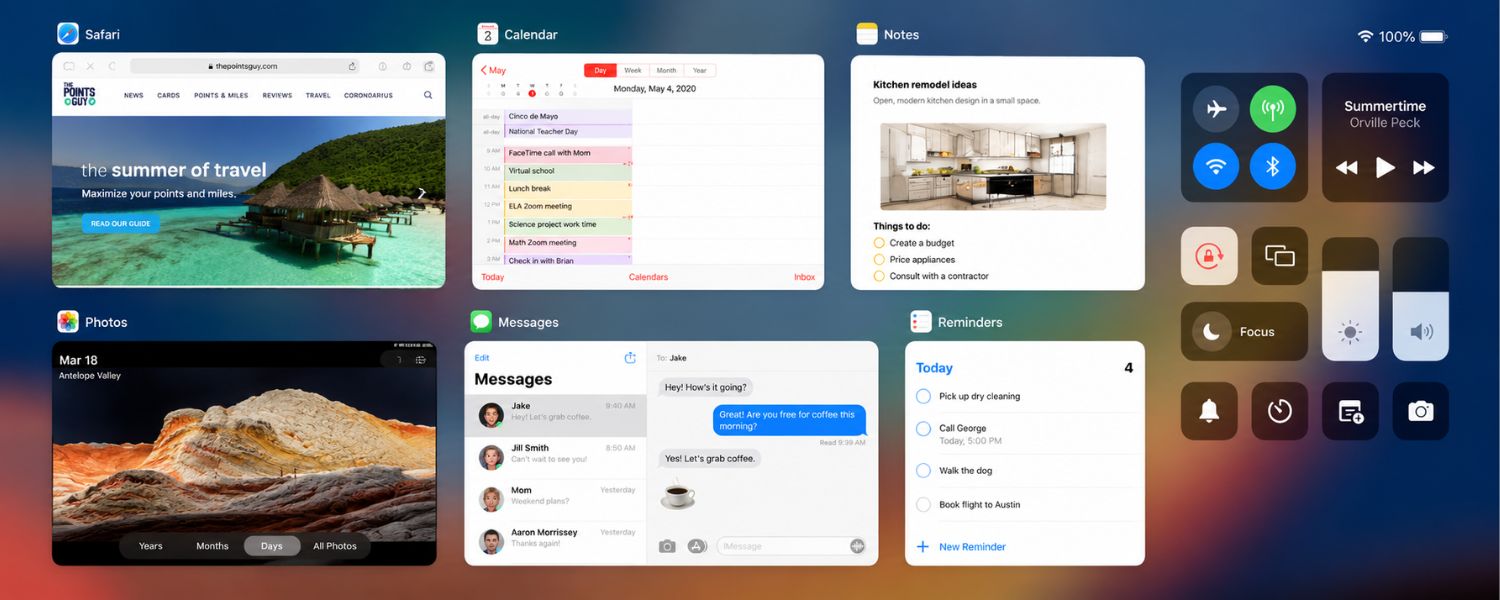
iOS has come a long way: widgets (now interactive), themed lock screens, and custom app icons via Shortcuts. Still, springboard layout, icon grids, and system theming are more constrained than on Android, and quick toggles are less extensible than Android's Quick Settings.
- Status (2026): Stronger personalization than before; still curated compared with Android.
- Where Android differs: More launcher choices, theming engines, and deeper Quick Settings.
- Best workaround: Explore Focus modes, widget stacks, shortcuts, and lock screen pages for function‑first customization.
- Why Apple does it: Consistency, accessibility, and supportability across devices.
Tip: Build Focus modes for school, work, and family time with unique Home Screens to reduce distraction.
10) You can't rely on voice or gestures for full touchless control
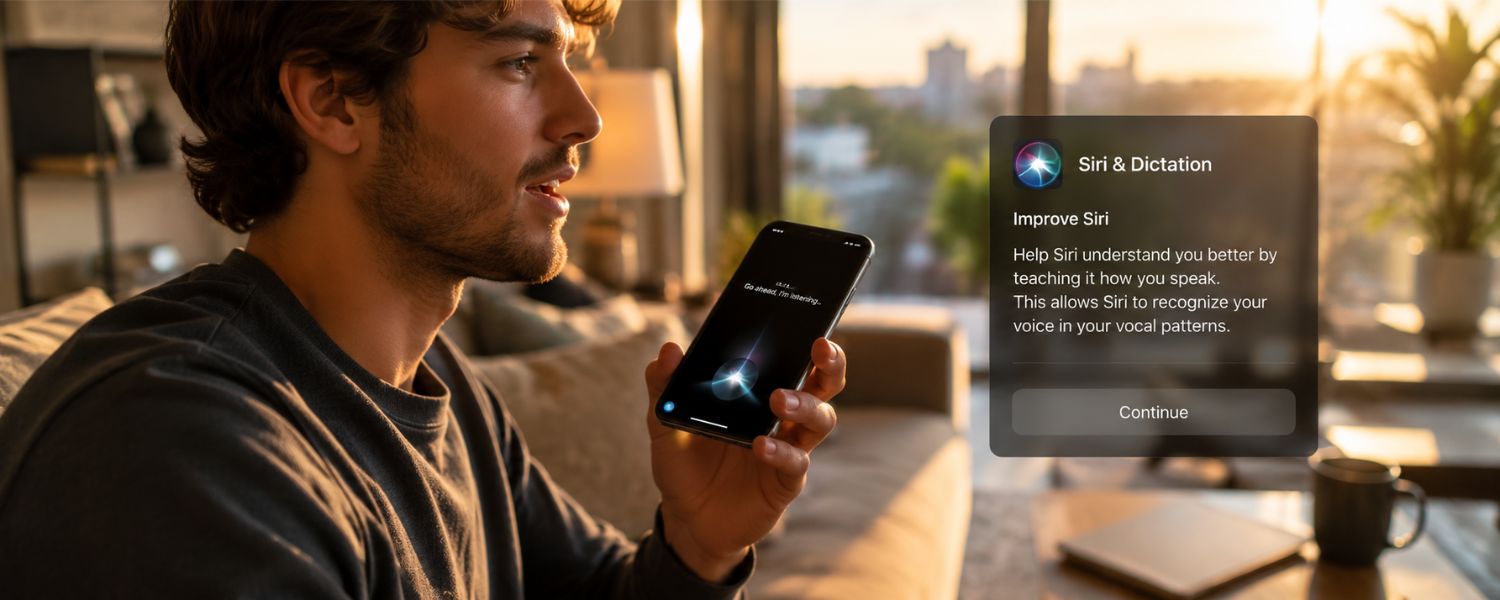
Siri, Voice Control, and accessibility features enable robust hands‑free actions, but you still can't do everything without touch. Complex navigation or app‑specific tasks often require taps, and always‑listening wake words vary by setting and context.
- Status (2026): Hands‑free is powerful but not truly comprehensive.
- Where Android differs: Similar story; scope varies by assistant and manufacturer overlays.
- Best workaround: Combine Siri Shortcuts, Back Tap, and accessibility gestures; map common multi-step tasks to a single command.
- Why Apple does it: Prevent accidental triggers, preserve privacy, and maintain battery life.
Tip: Create Shortcuts for school pickups, groceries, or commute routines so one phrase runs multiple actions.
11) You can't browse the file system like a traditional computer
The Files app is capable, but iOS sandboxes app data and limits system-level access. External drives work, yet power and format constraints apply, and you won't get the same open directory control that desktop operating systems or some Android devices allow.
- Status (2026): App sandboxing remains; Files app mediates storage and external drives.
- Where Android differs: Broader file system access and default file handler choices.
- Best workaround: Use Files with iCloud Drive or a NAS; for pro workflows, consider iPad or Mac when deep file operations are required.
- Why Apple does it: Security, privacy, and app stability.
Tip: For classroom submissions, use cloud links instead of large attachments to keep devices lean and synced.
Why these limits exist—and how they help families
Apple's design choices prioritize privacy, security, battery health, and a consistent learning curve across ages. For families, that can mean fewer surprise settings, safer app ecosystems for kids, and devices that feel familiar from one upgrade to the next. The trade-off is flexibility: if your daily routine depends on split screen, IR control, or desktop docking, you'll either add an accessory or choose a device built for that use case.
Quick buying guidance for parents and students
- Heavy multitasking for schoolwork: Pair an iPhone with an iPad or Mac, or consider an Android phone with split screen.
- Big photo/video libraries: Buy more storage upfront or add a small USB‑C SSD and adopt a cloud backup routine.
- Smart home controls: Standardize on Wi‑Fi/Bluetooth devices and avoid IR‑only gear, or add an IR bridge.
- Accessibility and safety: Lean on Screen Time, Focus modes, and Communication Safety features when setting up a child's device.
- Travel and presentations: Pack a tested USB‑C to HDMI adapter and a labeled fast‑data cable.
What changed from older iPhones
- Charging: Recent iPhones use USB‑C, not Lightning; compatibility is broader, but cable quality still matters for speed and video.
- Widgets and personalization: Widgets are on the Home Screen and interactive; lock screens, Focus modes, and icon theming have matured.
- External displays: Simple video out works on modern models, yet there's still no desktop mode on iPhone.
- App defaults: Browser and email defaults are open; other categories remain limited.
- Regional policies: The EU now allows alternative app marketplaces under new rules; most regions still require the App Store.