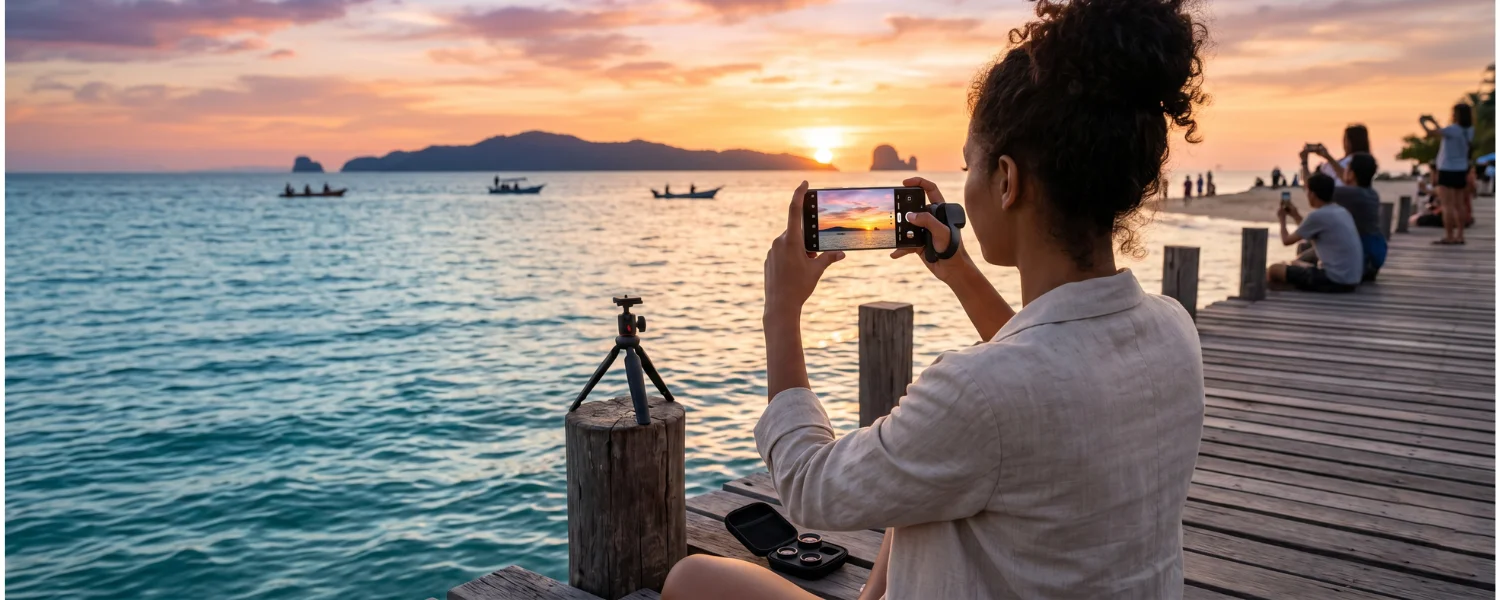
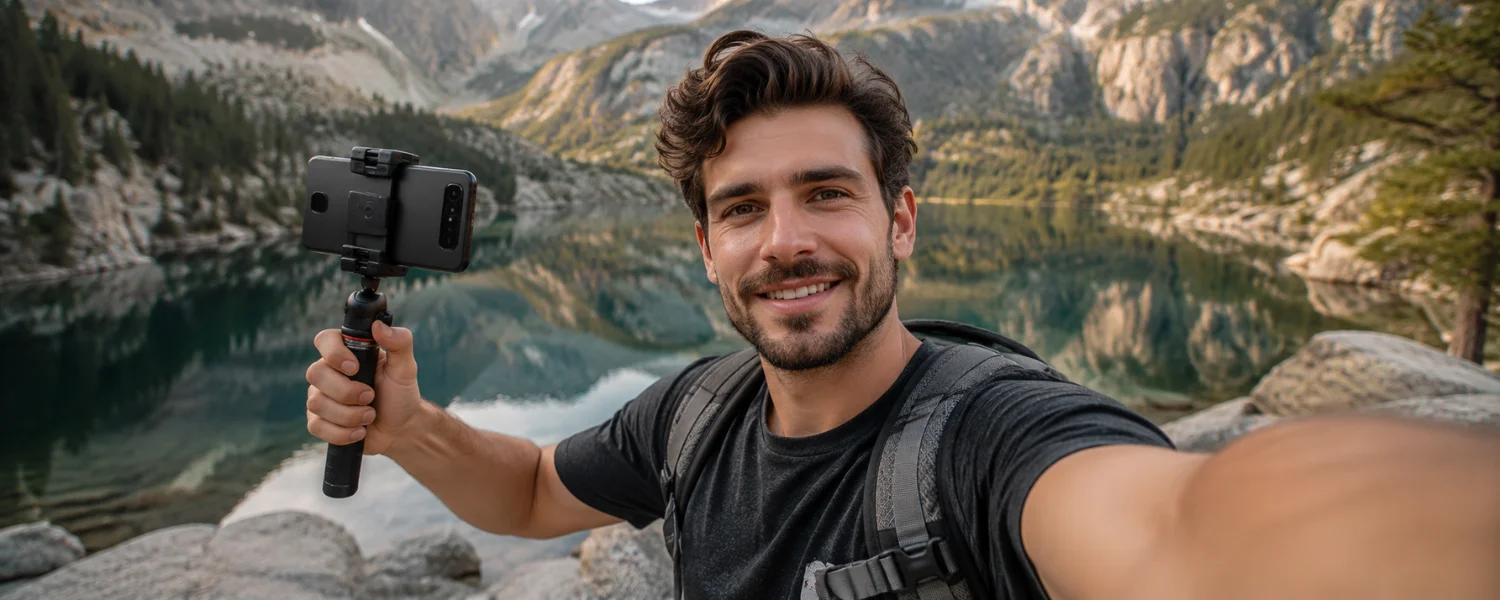
Today’s smartphones rival dedicated cameras, letting you film a school project, a family story, a travel short, or even a festival‑ready documentary. Elite videographers in Dubai and around the world rely on fundamentals—light, sound, stability, and intent—to turn small sensors into big visuals. Use these field‑tested mobile videography tips to capture footage that looks polished, sounds clear, and plays perfectly on any screen.
Pro Tips Beginners Can Trust
1) Choose the right orientation for your platform
A hallmark of amateur videography is the presence of those annoying black vertical bars, which happens when footage intended for widescreen is shot in portrait. If you’re aiming for TVs, laptops, or YouTube, hold your phone horizontally and compose for 16:9 so your subject fills the frame and the video looks polished and cinematic. Shooting for TikTok, Reels, or Shorts? Go vertical (9:16) from the start. The key is to decide where your video will be watched and match orientation so your audience enjoys a full, immersive frame—no awkward cropping, no black bars.
- Works best for: YouTube/TV (16:9), TikTok/Shorts/Reels (9:16), Instagram feed (1:1 or 4:5)
- Quick check: Turn off auto-rotate while filming and lock your chosen orientation
- Pro tip: Compose safe zones so text and faces aren’t cut off during platform crops
2) Master lighting techniques
Mobile LED flashes are harsh and can skew color temperature. Natural light—especially early morning or golden hour—makes skin tones glow. Position your subject facing the light source or use a reflector to bounce soft fill. When shooting at night, bring lights rather than relying on the phone’s flash. Beware of backlight settings that create bright haloing around a dark figure and obscure important details; a simple key light or reflector fixes this quickly. A basic light setup and configuration will lift your footage from flat to cinematic.
- Tools: Compact LED panel with diffusion, 5-in-1 reflector, or a practical lamp
- Color: Match color temperatures (daylight ~5600K, tungsten ~3200K) to avoid mixed hues
- Upgrade: Use an ND filter to keep shutter speed cinematic outdoors without overexposing
3) Prioritize stability
Steady, smooth footage instantly looks professional. Hold your phone with both hands, elbows tucked, and brace against your body. For talking heads or static scenes, a tripod with a phone clamp is non‑negotiable. Gimbals add fluid motion for walk‑and‑talks or reveal shots. This simple discipline eliminates jitter so the audience focuses on your story—not the shake.
- Tools: Tripod + phone clamp, gimbal for movement, or a tabletop stand
- Technique: Heel‑to‑toe steps and slow breathing during handheld shots
- Note: Disable stabilization when locked on a tripod to prevent micro‑warping
4) Avoid digital zoom
Digital zoom throws away detail and creates pixelated, low-quality images. Instead, move physically closer or switch to your phone’s optical tele lens for reach without losing sharpness. If you must stay back, shoot in 4K and crop subtly in post for a clean, tight frame.
- Tools: Multi‑lens phones (0.5x/1x/2x/3x/5x), clip‑on tele lenses
- Rule: Never pinch‑zoom; tap to choose the optical lens or use your feet
- Edit tip: A 4K clip allows a 150% crop for a 1080p timeline with minimal quality loss
5) Take control of focus and exposure
Relying on auto everything can cause pulsing and blown highlights. Tap to set focus and exposure on your subject, then lock them (AE/AF lock) so the image stays consistent. Manual control helps you keep footage sharp and well‑exposed with no distracting shifts. This small step noticeably elevates your video’s polish.
- Apps: Native camera with AE/AF lock, Blackmagic Camera, Filmic Pro, ProTake
- Expose: Use zebras/histogram; protect highlights on faces
- Consistency: Lock white balance to prevent color shifts between shots
6) Enhance audio quality
Great sound is half the story. Built‑in mics have improved, but an external mic close to the mouth is a game‑changer. A clip‑on lav for dialogue, a compact shotgun for directional pickup, or a wireless kit for movement will make voices clear and engaging. Add a furry windscreen outdoors and monitor with headphones to catch issues on the spot.
- Mics: Lav (interviews), shotgun (run‑and‑gun), wireless (movement)
- Levels: Aim peaks at −12 dB to −6 dB; record 10 seconds of room tone
- Habit: Enable Do Not Disturb/Airplane Mode to prevent call or notification interruptions
7) Utilize slow motion and time‑lapse wisely
Slow motion sparks drama; time‑lapse reveals change. Use them to serve the story, not distract from it. Shoot action in 60/120/240 fps for smooth slow‑downs and stabilize time‑lapses with a tripod or hyperlapse mode. Sprinkle these techniques thoughtfully and they’ll elevate your edit.
- Settings: 60 fps for subtle slow‑mo; 120/240 fps for sports/splashes
- Intervals: Time‑lapse every 1–5 seconds for clouds/streets; longer for construction
- Edit tip: Speed‑ramp sparingly to accent a moment
8) Embrace the power of editing
Editing turns good footage into a compelling story—no expensive gear required. Trim the fluff, arrange your best angles, add simple transitions, and use tasteful effects. Titles, captions, and music polish the experience. Whether you’re cutting a school project or an indie short, mobile editing can deliver professional results when you keep it clean and intentional.
- Apps: CapCut, VN, LumaFusion, iMovie, KineMaster, Adobe Premiere Rush
- Flow: Rough cut → sound design → color → titles/captions → export
- Music: Use licensed tracks; lower music under dialogue to −24 to −18 dB
9) Pick the right resolution and frame rate
Choose formats that match your delivery and motion. 4K gives flexibility for reframing; 1080p saves storage and heat. For narrative, 24 fps feels cinematic; for general web, 30 fps is standard; for sports or smooth motion, 60 fps shines. Keep your whole project consistent to avoid choppy mixes.
- Default: 4K/24 or 4K/30 for most projects; 1080p for long events
- HDR/Log: Only if you’ll color grade; otherwise stick to standard for simpler edits
- Storage: 4K60/ProRes eats space—bring a high‑capacity phone or external SSD
10) Use the 180‑degree shutter rule
Cinematic motion blur happens when shutter speed is roughly double your frame rate. At 24 fps, set 1/48 or 1/50; at 60 fps, set 1/120. In bright light, use an ND filter to keep shutter and ISO where they should be without overexposure.
- Settings: Shutter ≈ 2 × frame rate; keep ISO as low as possible
- Tool: ND 4–64 (or variable ND) for daylight control
- Check: If motion looks jittery, your shutter is likely too fast
11) Lock white balance for consistent color
Auto white balance can drift mid‑shot, especially with moving clouds or mixed lighting. Lock WB to daylight or tungsten to keep skin tones natural and edits seamless. Matching color temperature across shots saves hours in post.
- Presets: 5600K (daylight), 3200K (tungsten) as starting points
- Avoid: Mixed sources (cool window + warm lamp) unless styled intentionally
- Fix: Gel lights or turn one source off to unify color
12) Compose like a filmmaker
Clean composition guides attention. Enable gridlines and use the rule of thirds, headroom, and lead room. Layer foreground, midground, and background for depth, keep horizons level, and remove distractions at the edge of frame for a professional look.
- Guides: Rule of thirds, centered symmetry, leading lines
- Portraits: Tele lens for flattering compression and natural background blur
- Housekeeping: Scan corners of the frame for clutter before you roll
13) Plan a simple shot list and story
Even pros in fast‑paced Dubai shoots don’t wing it. Jot a shot list: opener, wides, mediums, close‑ups, cutaways, and an ending. The classic five‑shot method (hands, face, wide, over‑the‑shoulder, detail) quickly builds a scene and makes editing smooth.
- Prep: Outline beats, locations, and timing
- Coverage: Wide → medium → close; capture reactions and b‑roll
- Continuity: Match eyelines, action direction, and wardrobe
14) Capture purposeful b‑roll
B‑roll glues your story together. Film details, textures, and actions that illustrate narration. Shoot more than you think you need with varied angles and shot sizes so you can cut seamlessly and hide edits.
- Angles: Static lock‑offs, slow push‑ins, parallax moves
- Length: Record 5–10 seconds per clip to give editors room
- Sound: Grab natural ambience to layer under music
15) Move the camera with intention
Not every shot should move. Lock off for dialogue and important information. When you do move, keep it slow and motivated—reveal something, follow action, or build emotion. Gimbal shots shine with foreground objects to create parallax and depth.
- Motions: Pan, tilt, slide, push/pull, orbit—one at a time
- Practice: Start/stop moves gently to avoid bumps
- Alternative: Move the subject, not the camera, for simpler setups
16) Mind your background and set
What’s behind your subject matters as much as the subject. Separate them from the background with space or light, tidy visual clutter, and turn off flashing screens. A lamp, plant, or textured wall can create instant production value.
- Separation: Use a backlight or tele lens compression
- Clean‑up: Remove distractions and branded items you can’t show
- Continuity: Keep background elements consistent between takes
17) Protect files, battery, and heat
Nothing stops a shoot like a full phone or thermal shutdown. Start with 20–30% free storage, carry a power bank, and shade your device in hot sun. Back up footage immediately to the cloud or an external SSD via USB‑C so your hard‑won shots are safe.
- Backup: 3‑2‑1 rule when possible (3 copies, 2 locations, 1 offsite)
- Power: 10,000–20,000 mAh battery pack; short, high‑quality cable
- Heat: Avoid dashboards and direct sun; take cooling breaks in 4K60/ProRes
18) Record clean, legal, respectful content
Get permission to film in private spaces, secure talent releases (especially for minors), and respect cultural norms. License your music, credit collaborators, and follow school or venue rules. Professional conduct builds trust—and future access.
- Docs: Location permission and simple release forms
- Music: Royalty‑free or licensed tracks only
- Safety: Be visible, aware of traffic, and careful around water or crowds
19) Optimize for each platform
Design for where your video lives. YouTube prefers 16:9, custom thumbnails, and loudness around −14 LUFS; TikTok/Shorts favor 9:16 with a strong 3‑second hook and on‑screen captions. Keep key visuals away from the bottom UI areas so nothing gets covered.
- Ratios: 16:9 (YouTube), 9:16 (TikTok/Shorts/Reels), 1:1 or 4:5 (Instagram feed)
- Captions: Burn‑in or sidecar; high contrast and large enough to read on phones
- Exports: H.264/H.265, high bitrate; match platform frame rate
20) Add accessibility from the start
Inclusive videos reach more people. Use captions, readable fonts, sufficient color contrast, and avoid rapid flashing. Describe key visuals with on‑screen text or narration so everyone can follow the story.
- Captions: Essential for silent autoplay and noisy environments
- Design: Minimum 16 px on mobile, strong contrast, safe margins
- Audio: Avoid excessive music under dialogue
21) Build a tiny, mighty mobile kit
A few affordable tools dramatically boost quality. Start with a sturdy phone clamp and tripod, a small LED with diffusion, a lav mic, and a mini deadcat for wind. Add a gimbal and variable ND as your skills grow. These are the same building blocks pros rely on to move fast and look great.
- Starter kit: Tripod + clamp, lav mic, LED panel + diffuser, windscreen
- Next steps: Gimbal, variable ND, clip‑on tele/anamorphic lens
- Carry: Compact pouch so you always have your kit on you
Quick workflow: from setup to share (10 steps)
- Decide platform and orientation; enable gridlines and lock exposure/WB.
- Scout light; face your subject toward soft light or add a key/fill.
- Mount tripod or gimbal; frame a clean background with depth.
- Mic up; set levels to peak at −12 dB; monitor on headphones; DND on.
- Set 4K/24 or 30 fps; shutter ≈ 2× fps; lowest ISO; use ND outdoors.
- Record b‑roll and room tone; slate takes verbally to aid organization.
- Back up immediately to cloud/SSD; name folders by scene/date.
- Edit a tight rough cut; layer sound; color correct and add captions.
- Export to matched aspect/frame rate; check on a second device.
- Write a strong title/description, thumbnail/cover, and publish confidently.
A refined wrap‑up
Mobile phones have become powerful creative tools—digital camera, MP3 player, and video studio in one compact unit—redefining photography and videography. With these expert mobile videography tips, you can capture award‑worthy footage for a documentary, school project, or indie movie using just your phone. Choose the right orientation for your audience, shape flattering light, stabilize deliberately, avoid digital zoom, lock focus and exposure, record clean audio, use slow motion and time‑lapse with restraint, and elevate everything through thoughtful editing. Embrace the craft and your smartphone becomes a creative ally, helping you tell stories that feel polished, cinematic, and unforgettable.