
25 Back-to-School Tech Essentials Every College Student Actually Needs
Key Takeaways
- You’ll get a clear, prioritized list of 25 essential gadgets and apps tailored to college life, from study gear to safety and dorm comfort.
- Each pick includes practical specs to look for, a realistic price range, and a pro tip so you buy once and buy right.
- Security and privacy are built in: learn exactly how to protect your laptop and phone on campus Wi‑Fi with antivirus, 2FA, and a VPN.
- Smart savings strategies show how to stack student discounts and seasonal sales to stretch your back-to-school budget.
- A quick setup checklist helps you configure devices for productivity on day one—no more scrambling during the first week of classes.
The best back-to-school tech doesn't just look cool—it keeps you connected, focused, and ready for whatever campus throws your way. Whether you're commuting across town, rushing between lectures, or studying in a busy dorm, the right gear can save time, protect your data, and make college life smoother and healthier. Use this expert-built guide to choose smart, durable essentials you'll rely on every day.
How to Choose Back-to-School Tech on a Student Budget
- Start with your major: creatives may prioritize a color-accurate laptop and stylus; engineers need RAM/CPU/GPU; writers can go lightweight and long battery life.
- Buy for the ports you have now (USB‑C/Thunderbolt) and the ones you'll need on campus (HDMI for projectors, Ethernet in older dorms).
- Prefer devices that multitask: a 2‑in‑1 laptop with pen support can replace a notebook, scanner, and tablet.
- Think total carry weight: aim under 4 lb for laptop plus accessories to protect your back on long days.
- Protect first, accessorize later: cases, surge protection, and backups cost less than repairs or data loss.

The 25 Must‑Have Back‑to‑School Gadgets for College
1) Everyday Laptop or 2‑in‑1
Your laptop is mission control for notes, research, and projects. Look for a lightweight model with all‑day battery life and enough RAM for your coursework. A 2‑in‑1 with pen support can double as a digital notebook for diagrams and annotation.
- Best for: All majors; essential daily driver
- Key features: 16GB+ RAM, 512GB SSD, 13–15 inches, 8+ hour battery, Wi‑Fi 6/6E
- Price range: $600–$1,400 (student discounts often apply)
- Pro tip: If your classes demand heavier software, prioritize RAM and CPU over storage—you can expand with an external SSD.
Staying connected is the backbone of modern learning. Your phone handles quick communications and campus apps, while a tablet shines for reading e‑texts, split‑screen research, and handwriting notes without lugging binders.
- Best for: On‑the‑go study, reading, and quick collaboration
- Key features: USB‑C fast charging, Wi‑Fi 6, stylus support on tablets
- Price range: Phones $300–$1,000; tablets $250–$1,000
- Pro tip: Sync notes across devices (OneNote, Notability, Google Keep) so everything's searchable before exams.
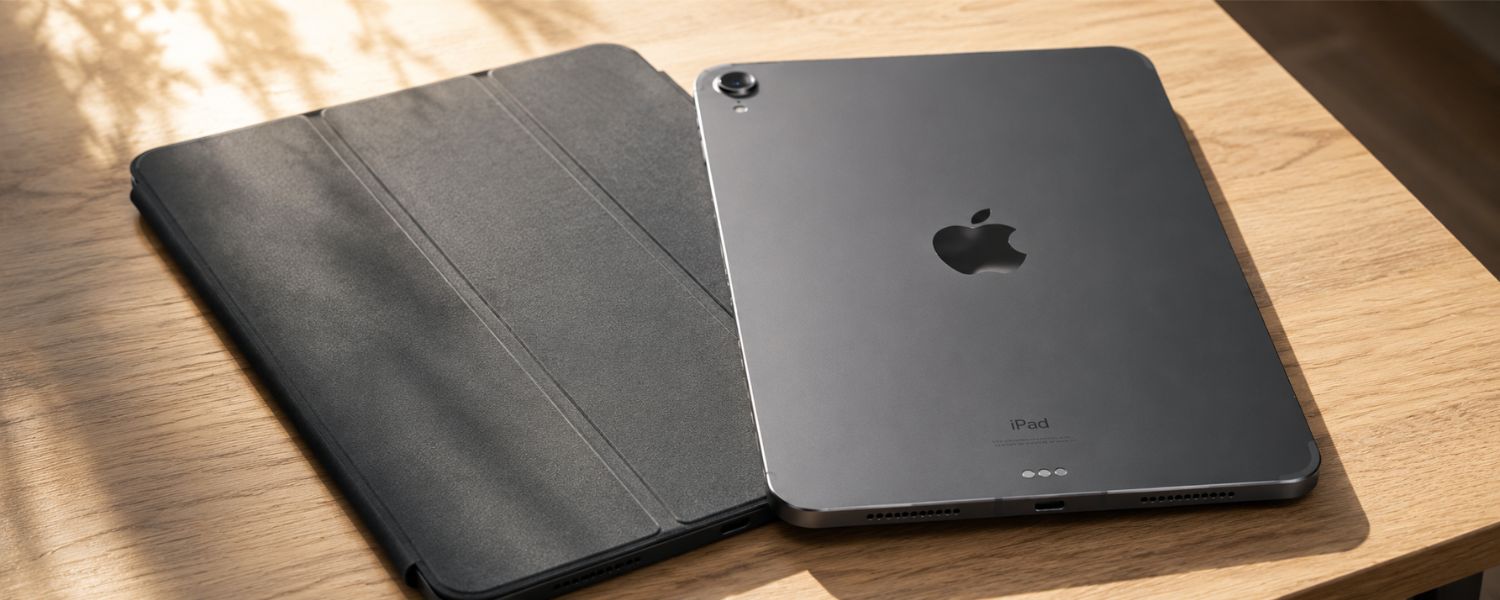
3) iPad/Tablet Keyboard Case
Turn your tablet into a note‑taking and writing powerhouse. A good keyboard case boosts typing speed, protects the device, and helps you switch from lecture notes to papers without missing a beat.

- Best for: Fast note‑taking, essays on the move
- Key features: Backlit keys, adjustable angles, sturdy hinge, trackpad (if supported)
- Price range: $60–$300
- Pro tip: Map shortcuts for split‑screen and screenshots to speed up studying and annotations.
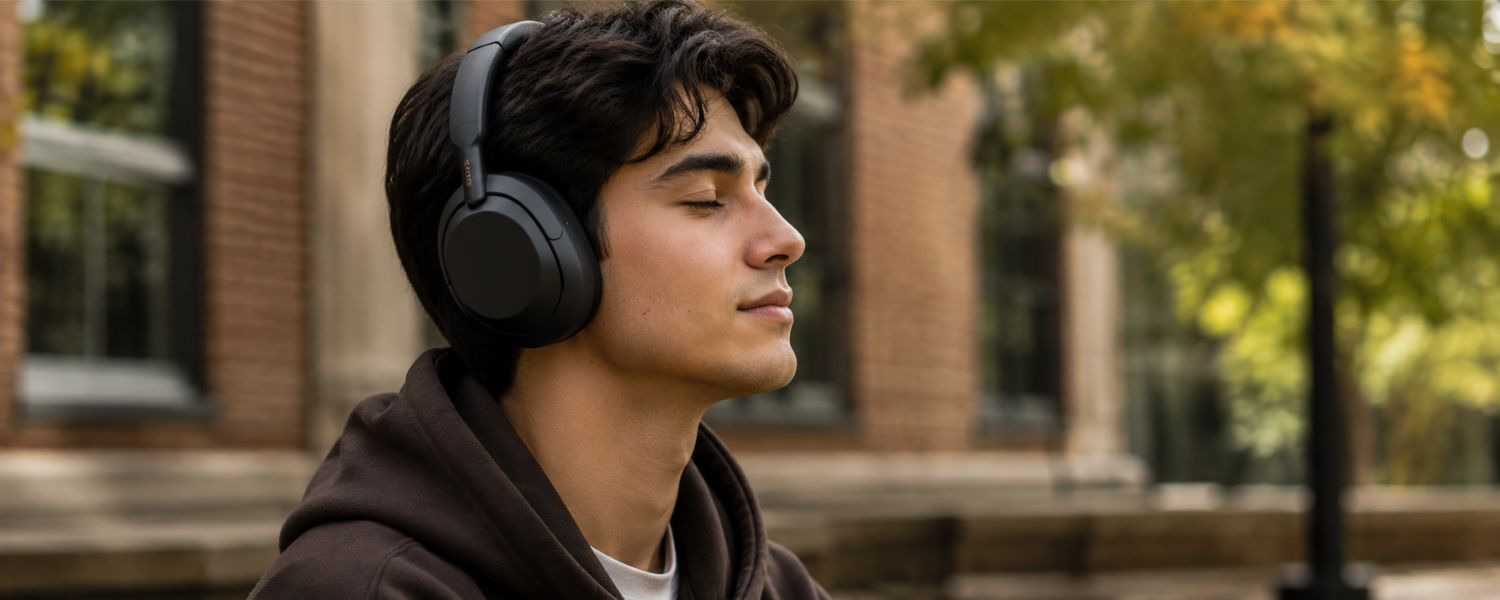
4) Noise‑Canceling Headphones
In busy dorms and libraries, focus is gold. Active noise cancelation creates a quiet bubble for deep work or rest, transforming loud spaces into personal study zones.
- Best for: Studying, travel, shared spaces
- Key features: Comfortable ear pads, 25+ hour battery, transparency mode, multipoint Bluetooth
- Price range: $80–$400
- Pro tip: Choose models with low‑pressure ANC for long sessions and keep foam tips or extra pads for comfort.
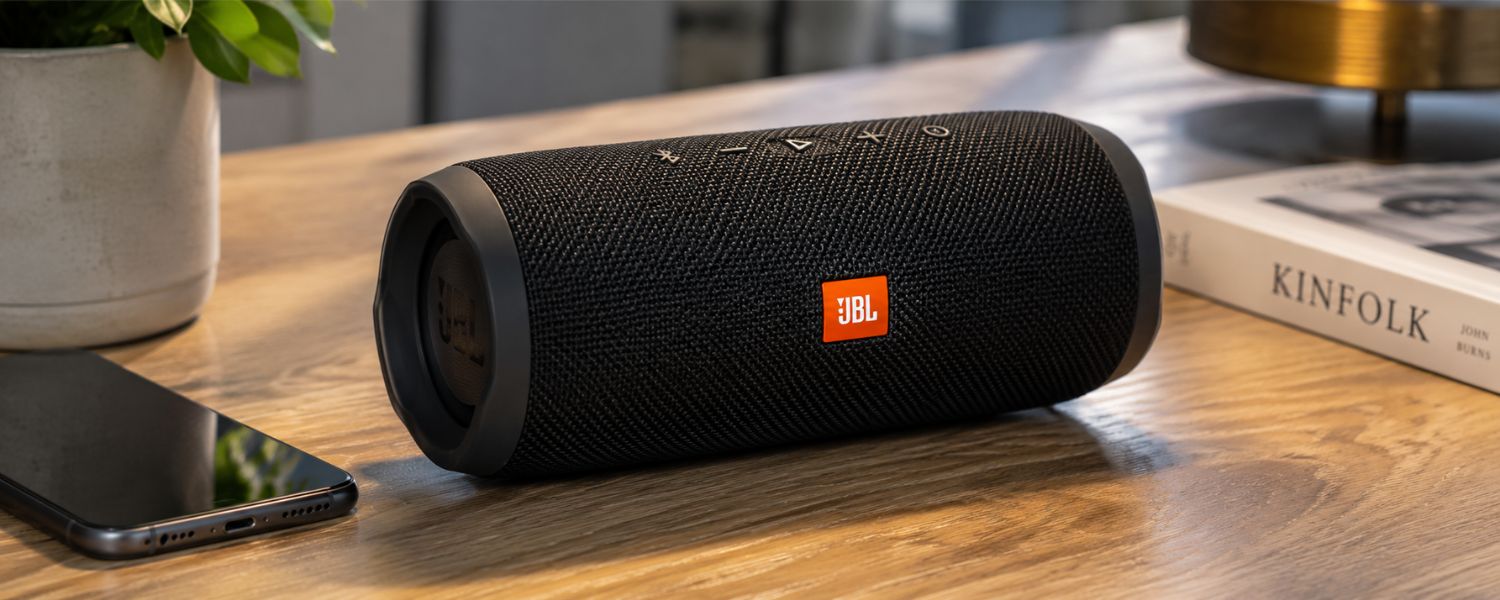
5) Bluetooth Speaker (Dorm‑Friendly)
For movie nights, playlists, or podcasts, a compact speaker elevates sound without crowding your desk. Choose durable, water‑resistant models that respect dorm noise rules.
- Best for: Weekend unwinding, small gatherings
- Key features: 10–20W output, IPX rating, 12+ hour battery, passive radiators
- Price range: $30–$200
- Pro tip: Keep volume modest and hours respectful—check your housing policy to avoid fines.
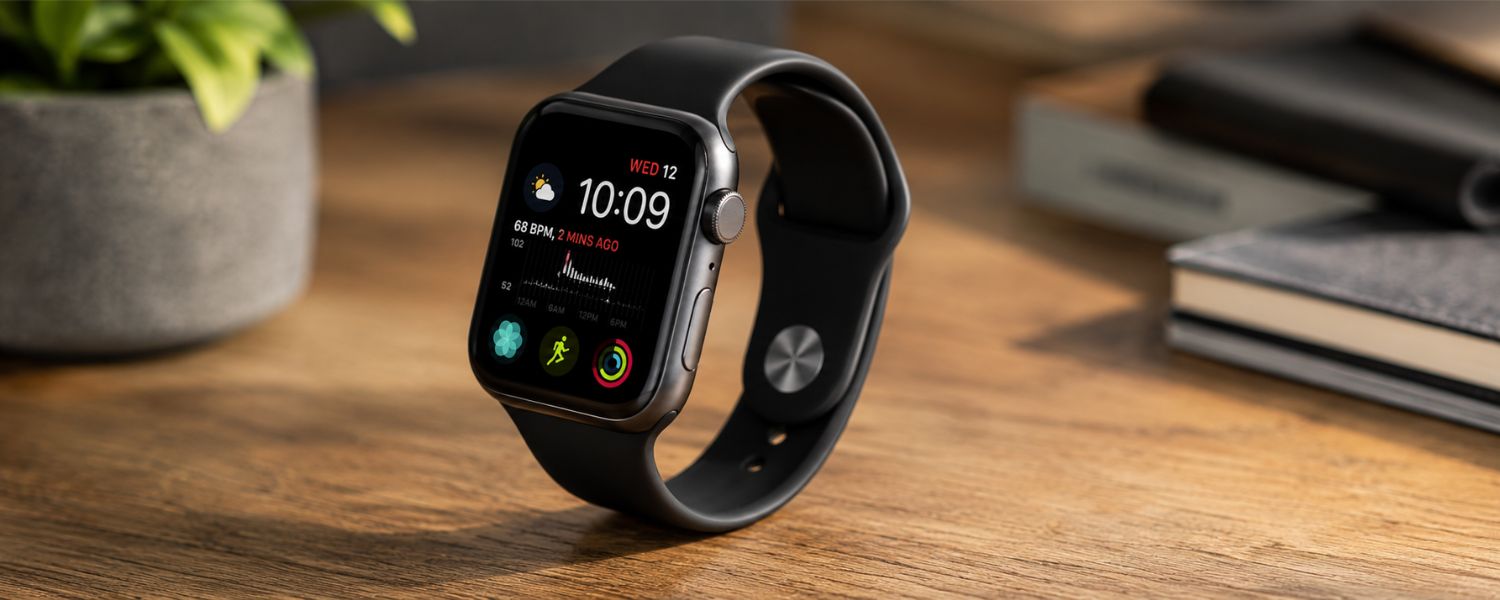
6) Smartwatch
Time management is everything in college. A smartwatch keeps your calendar, reminders, and health insights on your wrist, nudging you to move, hydrate, and take restorative breaks.
- Best for: Schedules, gentle accountability, quick notifications
- Key features: Calendar sync, sleep and workout tracking, silent alarms, tap‑to‑pay
- Price range: $100–$500
- Pro tip: Use vibrating alerts during lectures to stay on top of changes without checking your phone.
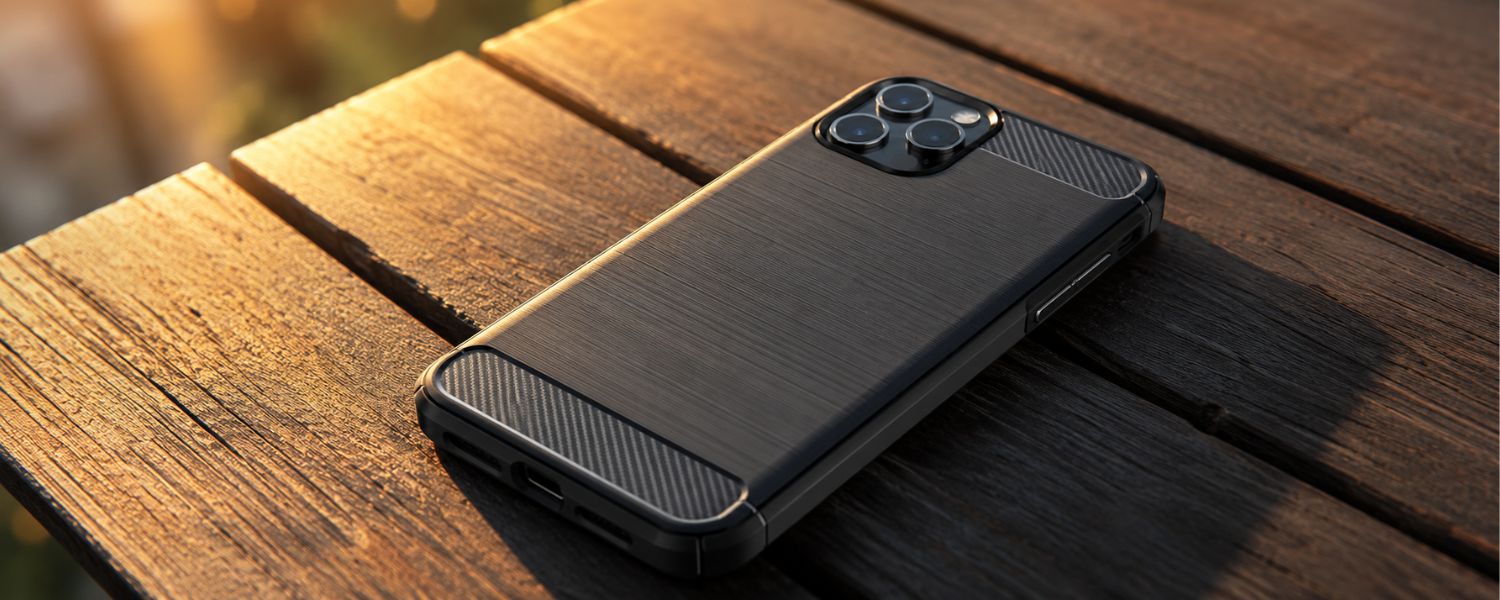
7) Protective Phone Case and Screen Protector

Drops happen between classes and on buses. A rugged case with raised edges and a tempered glass protector preserves your phone through semesters of real‑life use.
- Best for: Everyone—cheap insurance against cracks
- Key features: Military‑grade drop rating, grippy finish, MagSafe/charging compatibility
- Price range: $15–$80
- Pro tip: OtterBox and similar brands excel at drop protection; pair with a matte screen protector to cut glare.
8) GaN USB‑C Wall Charger (Multi‑Port)
Modern GaN chargers are compact yet powerful, fast‑charging phones, tablets, and laptops from a single brick. They shrink your carry and speed up top‑offs between classes.
- Best for: Dorms, libraries, coffee shops
- Key features: 65–140W output, USB‑C PD, multiple ports, foldable prongs
- Price range: $25–$120
- Pro tip: Check your laptop's wattage needs; buy 20% overhead so one charger handles everything.
9) Portable Power Bank
Dead batteries aren't an option when your schedule runs late. A slim, high‑capacity bank keeps your phone and tablet alive far from outlets.
- Best for: Long days, travel, outdoor study spots
- Key features: 10,000–20,000mAh, 20–30W USB‑C PD, pass‑through charging
- Price range: $20–$80
- Pro tip: Choose a model that also charges wearables or earbuds so one pack covers all your devices.
10) Extra Batteries and Spare Chargers
Some devices—graphing calculators, cameras, and older laptops—benefit from spares. Keeping a backup battery or an extra charger in your backpack prevents last‑minute scrambles.
- Best for: STEM tools, cameras, e‑readers, legacy laptops
- Key features: OEM or certified replacements, safety ratings, cable management
- Price range: $10–$120
- Pro tip: Label chargers by device and add a short 3–6 ft USB‑C cable plus a 10 ft spare for hard‑to‑reach outlets.
11) USB‑C Hub or Dock
One port can power a whole desk. A compact hub adds HDMI for projectors, extra USB for peripherals, and SD for cameras—perfect for presentations and media classes.
- Best for: Presentations, creators, dorm desk setups
- Key features: HDMI 2.0/2.1, 100W passthrough, USB‑A ports, SD/microSD
- Price range: $25–$150
- Pro tip: If you use dual monitors, consider a Thunderbolt dock for more bandwidth and reliability.
12) Surge‑Protected Power Strip (Long Cord)
Dorm outlets are scarce and often far from the desk. A slim, surge‑protected strip with a 8–10 ft cord and spaced outlets safely powers your setup.
- Best for: Dorms and shared apartments
- Key features: 1,000–2,000+ Joules surge rating, USB‑C PD, flat plug, wall mountable
- Price range: $20–$60
- Pro tip: Check housing rules on extension cords; surge strips are usually allowed where pure extension cords aren't.
13) External SSD
Fast, shock‑resistant storage backs up critical assignments and media projects. It's faster and more durable than a spinning hard drive—and tiny enough for your pocket.
- Best for: Backups, video/photo projects, large datasets
- Key features: 1–2TB, 1,000+ MB/s, USB‑C, drop resistance
- Price range: $60–$200
- Pro tip: Set weekly automatic backups; keep the drive separate from your laptop when commuting.
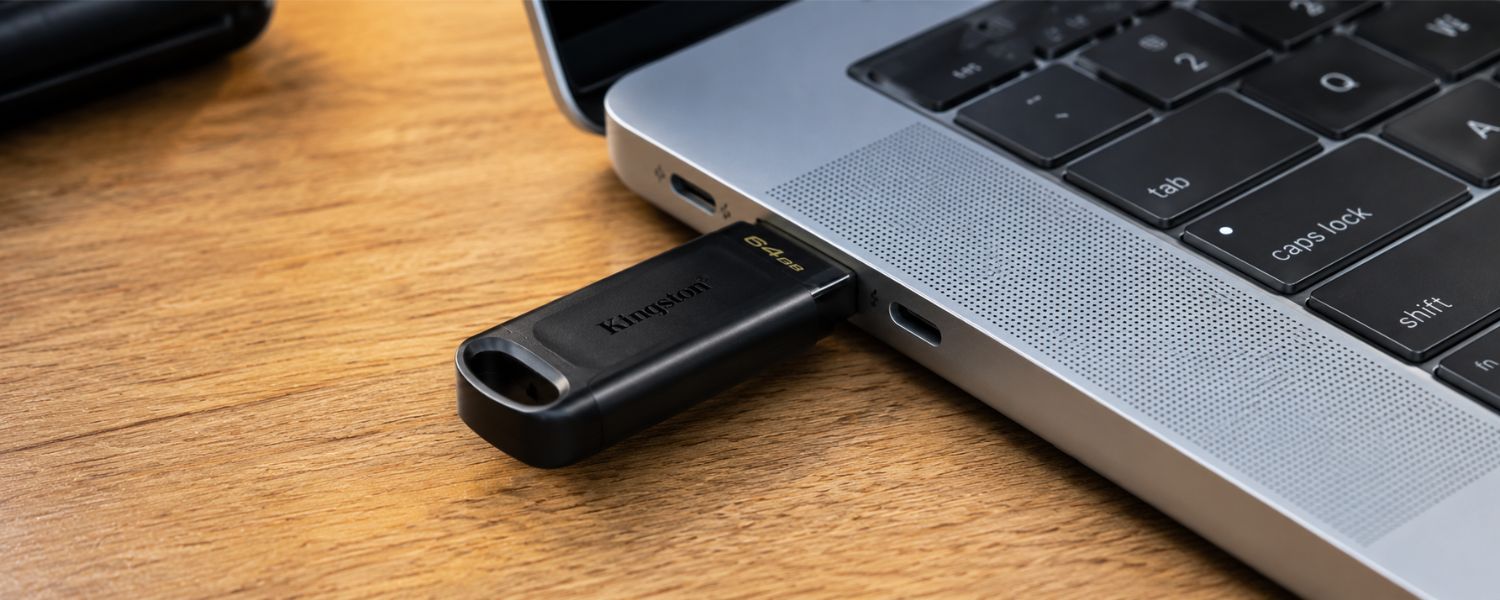
14) USB Flash Drive
Cloud is great, but a small, durable USB stick is a lifesaver for quick prints, lab submissions, or offline transfers when Wi‑Fi fails.
- Best for: Quick file handoffs and printing
- Key features: 64–256GB, USB‑A + USB‑C dual‑ended, metal body
- Price range: $10–$40
- Pro tip: Keep one on your keychain labeled with your name and email.
15) Security Suite: Antivirus, Updates, and Password Manager
Protect your digital life so you can focus on classes. Modern operating systems include strong defenses; pair them with a reputable anti‑malware tool and a password manager to guard logins and files.
- Best for: Everyone on campus Wi‑Fi
- Key features: Real‑time protection, automatic updates, 2FA support, dark web monitoring (optional)
- Price range: Free–$60/year (many student deals exist)
- Pro tip: Macs need protection and updates too—enable FileVault/BitLocker and use unique passwords for every site.
16) VPN for Public and Campus Wi‑Fi
Public networks can expose your data. A trustworthy VPN encrypts traffic on coffee‑shop and travel Wi‑Fi, adding a critical layer of privacy.
- Best for: Off‑campus study, travel, shared networks
- Key features: No‑logs policy, modern protocols (WireGuard), kill switch, multi‑device
- Price range: $2–$8/month with student pricing
- Pro tip: Auto‑connect your VPN on untrusted networks so you never forget.
17) Portable Monitor
A second screen boosts productivity for coding, writing, and research. Slim USB‑C displays slip into a backpack and set up in seconds in the library.
- Best for: Multitaskers, STEM, design, and business majors
- Key features: 13–16 inches, 1080p or 2K, USB‑C power/video, built‑in stand
- Price range: $120–$350
- Pro tip: Matte screens reduce glare under harsh dorm lighting.
18) Ergonomic Keyboard and Mouse
Hours of typing deserve comfort. An ergonomic keyboard and mouse reduce strain, helping you stay productive through long writing or coding sessions.
- Best for: Papers, coding, note‑heavy majors
- Key features: Low travel keys or mechanical switches, adjustable tilt, silent clicks
- Price range: $30–$180
- Pro tip: Position screens at eye level and keep wrists neutral to protect posture.
19) E‑Reader
E‑ink readers make long readings easier on your eyes and battery than tablets. They're light, distraction‑free, and excellent for highlighting and vocabulary building.
- Best for: Heavy reading loads, commuters
- Key features: Front light, weeks‑long battery, waterproofing, library integration
- Price range: $100–$300
- Pro tip: Use campus library e‑book loans to save money on texts.
20) Graphing/Scientific Calculator
Some exams require a physical calculator even if apps exist. Buy the model your department recommends to avoid test‑day surprises.
- Best for: STEM, economics, statistics
- Key features: Department‑approved model, long battery life, protective cover
- Price range: $40–$180
- Pro tip: Label it with your name; they're the most “borrowed” item on campus.

21) Smart Desk Lamp
Good lighting reduces eye strain and boosts focus. A dimmable LED lamp with adjustable color temperature helps match day and night study sessions.
- Best for: Late‑night study, small desks
- Key features: Flicker‑free LEDs, 2700–6500K color temp, USB‑C port, timer
- Price range: $25–$120
- Pro tip: Warmer light before bed supports better sleep; cooler light for early‑morning focus.
22) Air Humidifier or Purifier
Dorm air can be dry and stale. A compact humidifier or purifier improves comfort, reduces odors, and helps you stay focused during long study blocks.
- Best for: Dry climates, allergy relief, shared rooms
- Key features: Quiet operation, auto‑shutoff, filter availability, easy cleaning
- Price range: $25–$150
- Pro tip: Use distilled water in humidifiers to prevent buildup and odors.
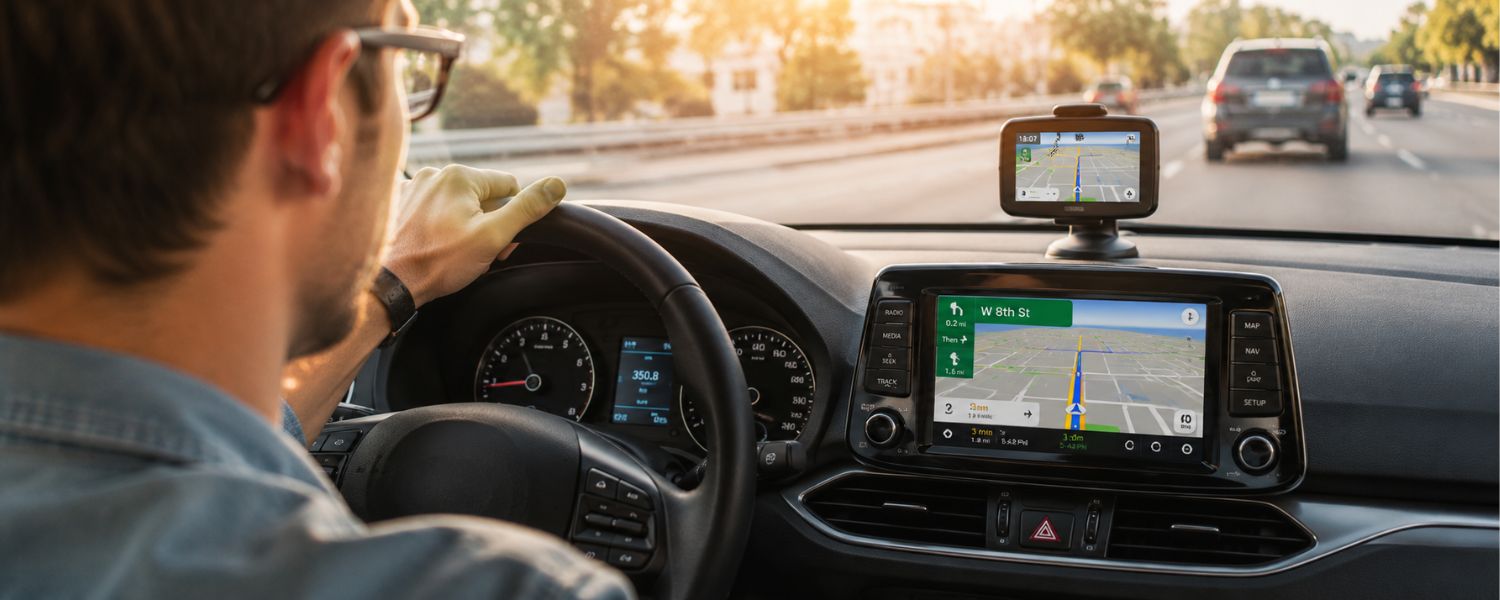
23) GPS‑Ready Car Setup: Mount + Charger + Maps
For commuters and off‑campus jobs, navigation should be safe and hands‑free. A sturdy phone mount and fast car charger pair with your favorite maps app to reduce stress.
- Best for: Commuters, internships, weekend trips
- Key features: Dash/vent mount, 30W USB‑C car charger, voice‑guided navigation
- Price range: $25–$80
- Pro tip: Save campus lots and class buildings as favorites; check parking rules to avoid tickets.
24) High‑Quality Webcam and Microphone
Even on campus, you'll have virtual meetings and interviews. A clearer webcam and mic help you look and sound professional in group projects and career fairs.
- Best for: Remote classes, interviews, clubs
- Key features: 1080p/60fps or better, autofocus, noise‑reduction mic, privacy shutter
- Price range: $30–$200
- Pro tip: Good lighting matters more than resolution—use your desk lamp facing you.
25) Tech‑Ready Backpack
A supportive bag protects your gear and your back. Choose a backpack with a padded laptop sleeve, water resistance, and smart organization so essentials are always at hand.
- Best for: Daily carry, all majors
- Key features: 15–16 inch laptop sleeve, sternum straps, water bottle pocket, luggage pass‑through
- Price range: $40–$180
- Pro tip: Keep weight under 10–15% of your body weight; rotate heavy textbooks out each day.
Student Savings: How to Pay Less for the Same Tech
- Use student portals like UNiDAYS or Student Beans for exclusive pricing on laptops, software, and accessories.
- Leverage campus deals: many colleges offer free Microsoft 365, Adobe discounts, or premium note‑taking apps.
- Shop tax‑free weekends and back‑to‑school sales; stack manufacturer rebates with store coupons and credit card offers.
- Buy certified refurbished from the manufacturer to save 10–30% with warranty intact.
- Split subscriptions with family plans for music, storage, and VPNs when allowed.
Quick Setup and Security Checklist
- Turn on device encryption (FileVault on Mac, BitLocker on Windows) and enable automatic OS/app updates.
- Install reputable anti‑malware, a password manager, and enable two‑factor authentication on critical accounts.
- Create a backup plan: cloud for documents plus weekly external SSD backups.
- Name and label gear; add your phone number/email and use AirTag/Find My or Android Find My Device.
- Test your presentation kit: HDMI via your hub/dock and a clicker/keyboard before the first class that needs it.